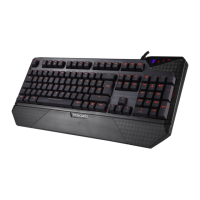
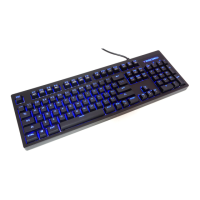
5. Backlit Adjustment: 5 levels of illuminations – off/ 25%/ 50%/ 75%/ 100%
6. Lighting Effects: 8 different effects available – default, trigger, ripple, firework, radiation, breathing, wave, spectrum
7. Game Mode: To switch between Game mode and PC mode
8. Instant Macro Recording
(1) Press FN + Home to start the instant macro recording. The Game Mode indicator will start blinking.
(2) Press the desired key where you want to save macro. The Game Mode and Num Lock indicators will start blinking.
(3) Type in the keys you want to record.
(4) Press FN + Home again to end recording. The Game Mode, Num Lock and Caps Lock indicators will start blinking for a few seconds.
For more information, please visit the TESORO website www.tesorotec.com.
Register your TESORO product
Visit the TESORO website (www.tesorotec.com) to register 1 year limited manufacturer warranty and free online technical support.



 To Next Page