Using the product 15
Using the product
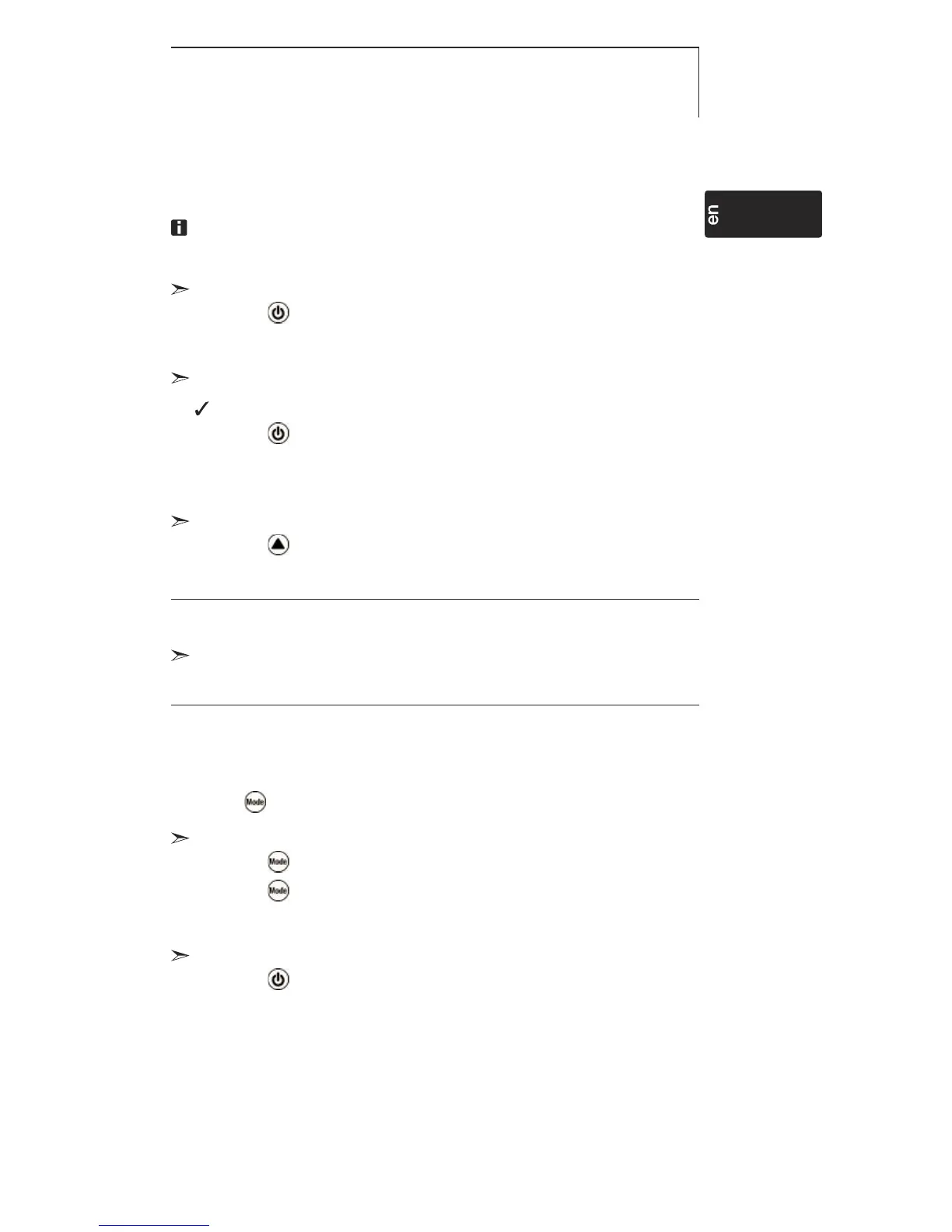
To guarantee correct readings: Hold the instrument horizontally
so that the light sensor is directed upwards.
Switching the instrument on:
Press .
- Measuring mode is opened.
Switching the display light on:
The instrument is switched on.
Press .
- The display light goes out automatically if no key is
pressed for 10 seconds.
Changing the parameter unit:
Press until the desired unit appears.
Adjustable units
· lux
· ftc
Changing the display view:
Adjustable views
· Current reading
· Hold: Readings are held.
· Max: Maximum values since the instrument was last switched on or last reset.
· Min: Minimum values since the instrument was last switched on or last reset.
Press several times until the desired view appears.
Resetting Max/Min values:
1 Press several times until the desired view appears.
2 Press and hold until - - - - appears.
3 Repeat steps 1 and 2 for all values that are to be reset.
Switching the instrument off:
Press and hold until the display goes out.



 To Next Page