6 Using the product
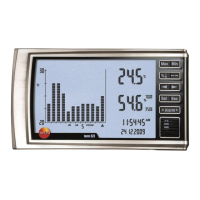
To display the mean reading:
> Press [
◄] or [►]
- The selected bar or bar element flashes and the relevant
readings, start time and start date are displayed.
To display the max. temperature value and max. humidity value:
> Press [
Max]
To display the min. temperature value and min. humidity value:
> Press [Min].
Display history:
> The history of the the last 90 days can be displayed with [
◄] or
[
►].
Acknowledging an alarm
Alarm was triggered:
- LED flashes
- The reading that was exceeded or undershot flashes
To clear an alarm:
> Press [Alarm].
- Alarm is cleared
W
ith the alarm activated and a change to the setup menu,
the current alarm is acknowledged.
Pos: 32 /TD/Überschr iften/7. Produkt ins tand halten @ 0\mod_1173789 831362_79.doc @ 397 @ 1


 To Next Page