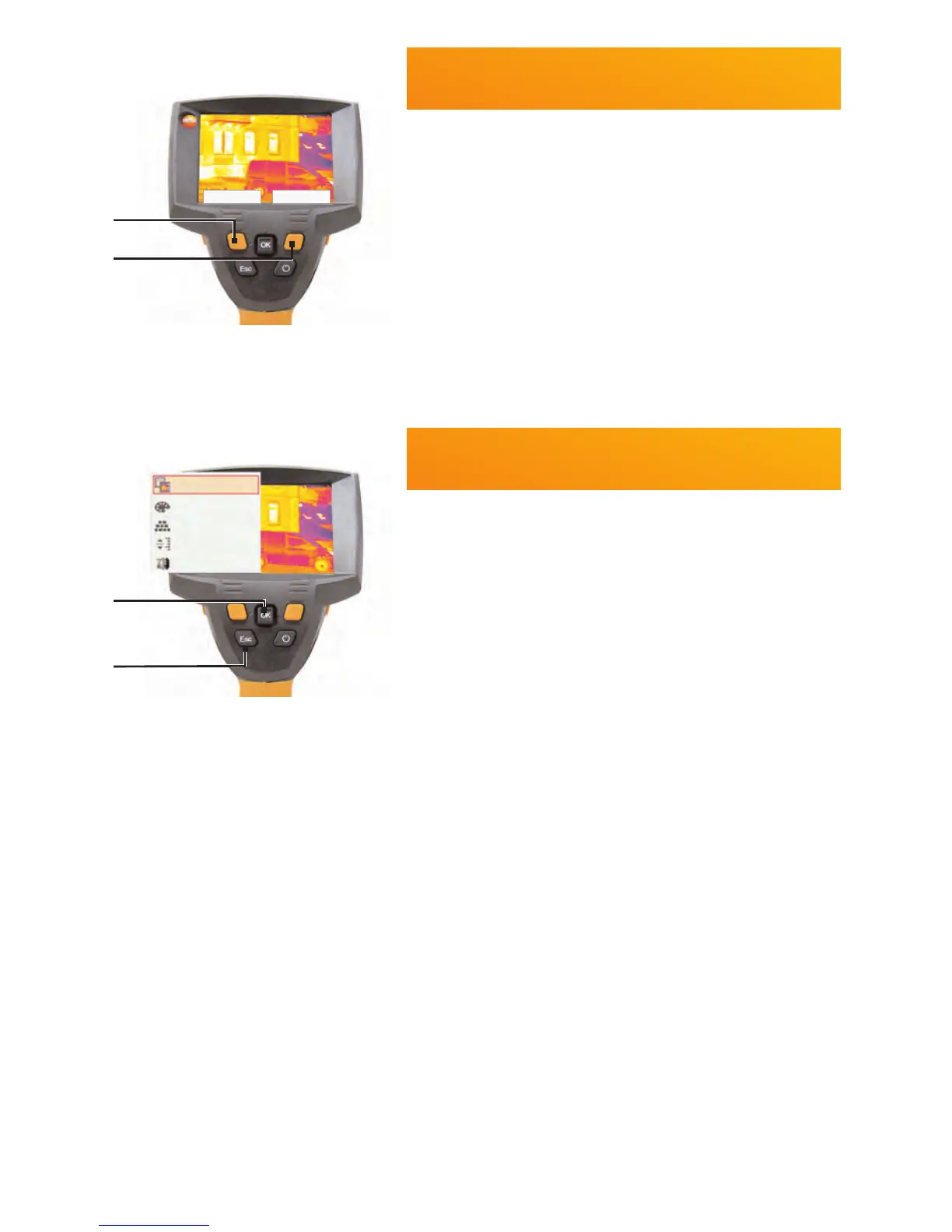
Changing assignment of the quick
select buttons
C$(-1'%&$'%)'3&%./%/,1$&%T",0B%#')'0&%2"&&.-?
1 C())%";?%@.:'%Joystick &.%&$'%)'3&%./
/,1$&6
2 J(:,1(&'?%@.:'%Joystick "; A 5.*-6
3 C.-3,/4?%!/'##%[OK] 6
./
C(-0')?%!/'##%[Esc] 6
Getting to know the quick select
buttons
U#,-1%&$'%T",0B%#')'0&%2"&&.-#V%&$'%#'&
3"-0&,.-#%(/'%0())'5%";%5,/'0&)+6%E(0&./+
#'&&,-1#?
i W'3&%T",0B%#')'0&%2"&&.-%
?%X5K"#&%#0(),-16%
i 9,1$&%T",0B%#')'0&%2"&&.-%
?%
&'#&. YZ[7\?%C$(-1'%0.)."/%;()'&&'6%
&'#&.%YZ[7]?%G')'0&%,4(1'%&+;'6
Image type
Palette
Emissivity...
Scale...
Adjustment
Scale> Image type



 To Next Page