Helpline No. UK/Northern Ireland: 0844 635 0008 Rep. Ireland: 1800 995 036
Web Support www.quesh.co.uk
Model Number: 42263
29
Recording a station
As well as being able to listen to the radio, there is also a record
function. Press the Menu button while listening to the radio station
and scroll down to record. With record highlighted, press the Menu
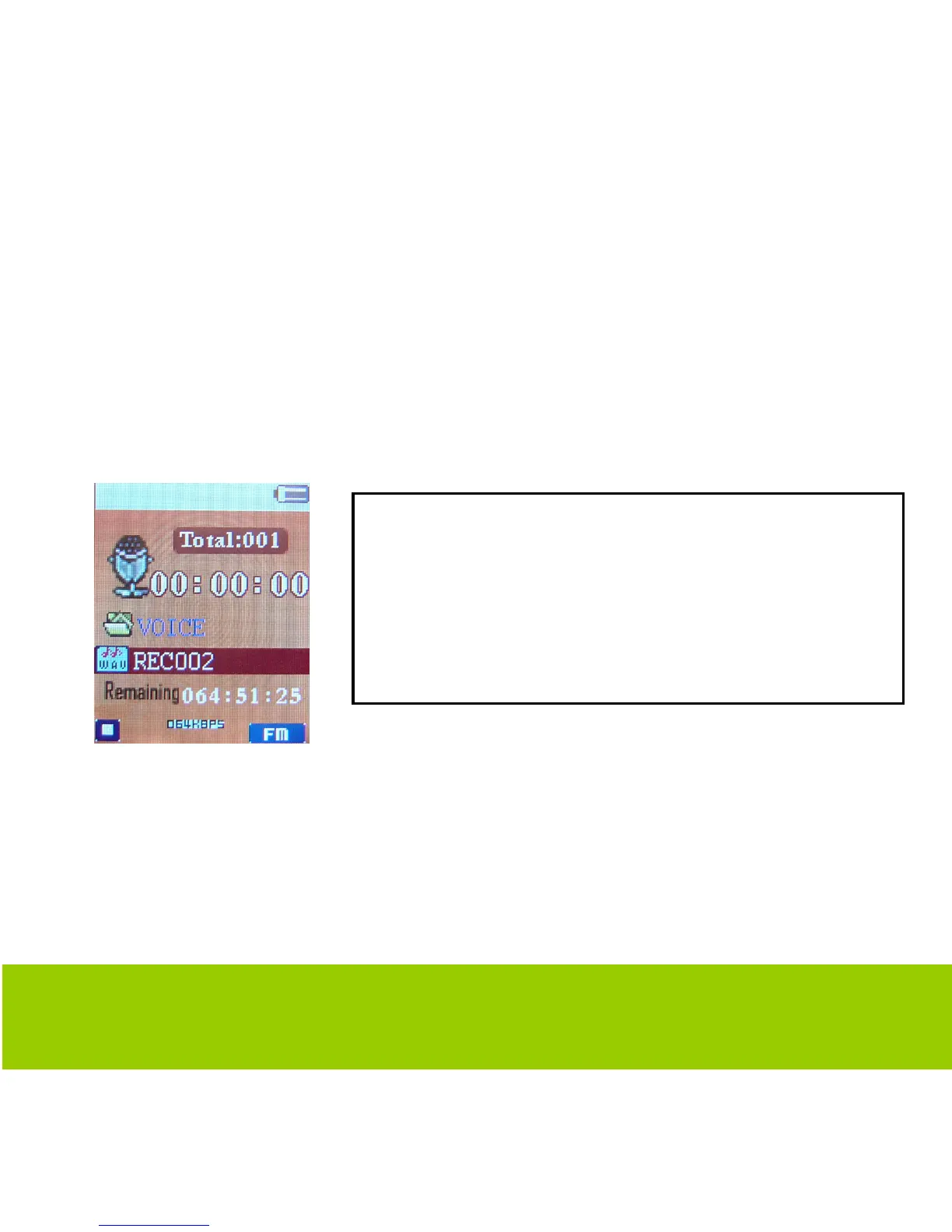
button to select and you should then see the following screen.
In order to playback the recording, you need to exit the radio
function and go back to the main menu. Navigate to the voice
function and press Menu to enter, where you will find your
recorded files, press play to listen.
To record the station, press the play button
to start recording. To pause recording
press the play button again. To stop and
save the recording press and hold the
Menu button for 4 seconds.



 To Next Page