Helpline No. UK/Northern Ireland: 0844 635 0008 Rep. Ireland: 1800 995 036
Web Support www.quesh.co.uk
Model Number: 42263
8
Instructions
Connecting to a PC
Before connecting your media player to your PC, please ensure
the power is set to ON. This ensures the player charges when
connected.
Connect the media player to a PC by using the USB cable supplied.
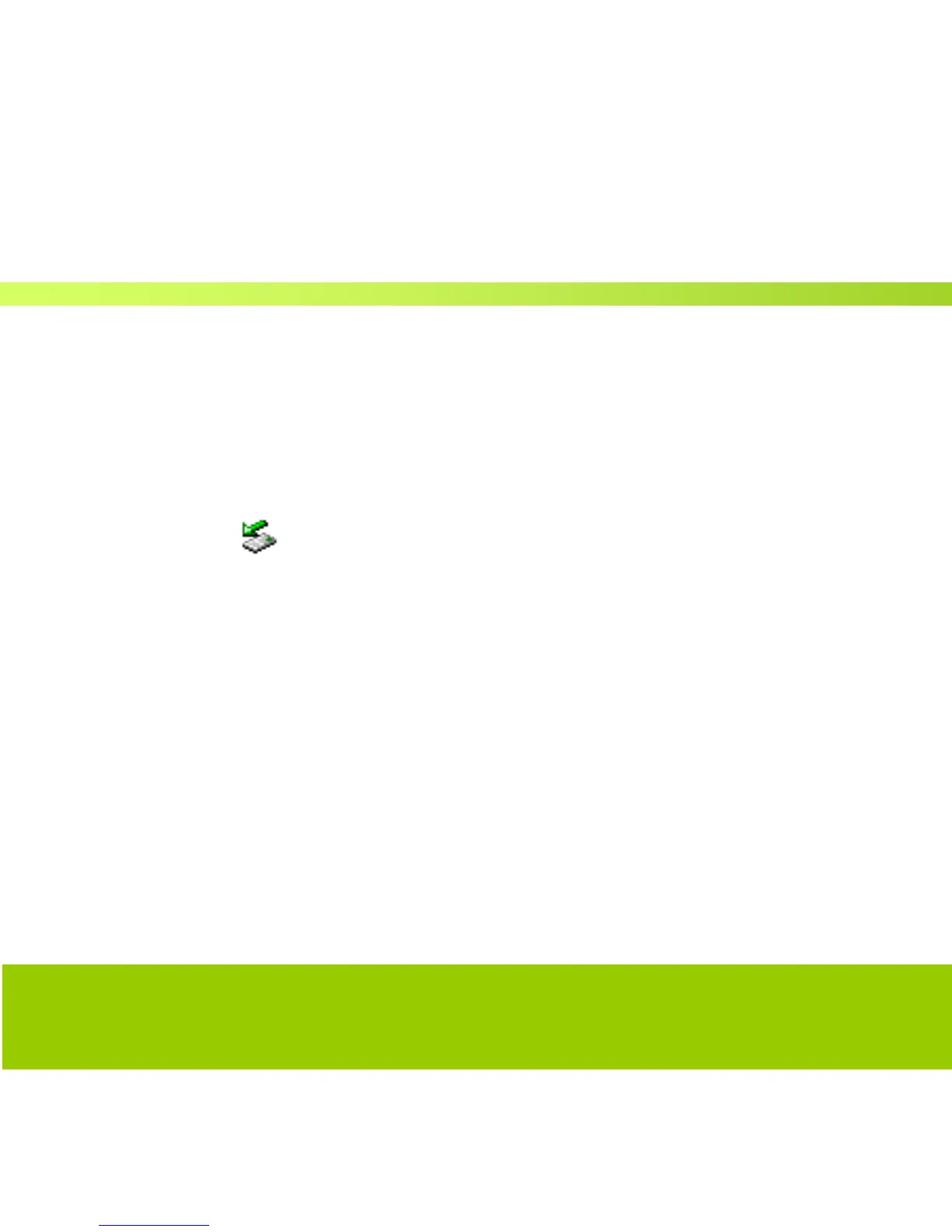
A small icon will appear on the lower right toolbar which
means that your media player is now connected and ready for use.
Open “my computer” and you should see the ‘Removable Disk’
providing that the ‘Online mode’ of the media player is set to USB.
ON/OFF Power Supply Operation
Move the power switch to the “ON” position.
Press and hold the round centre button for 3 seconds. The display
screen will come on. Repeat the same to turn the unit OFF.



 To Next Page