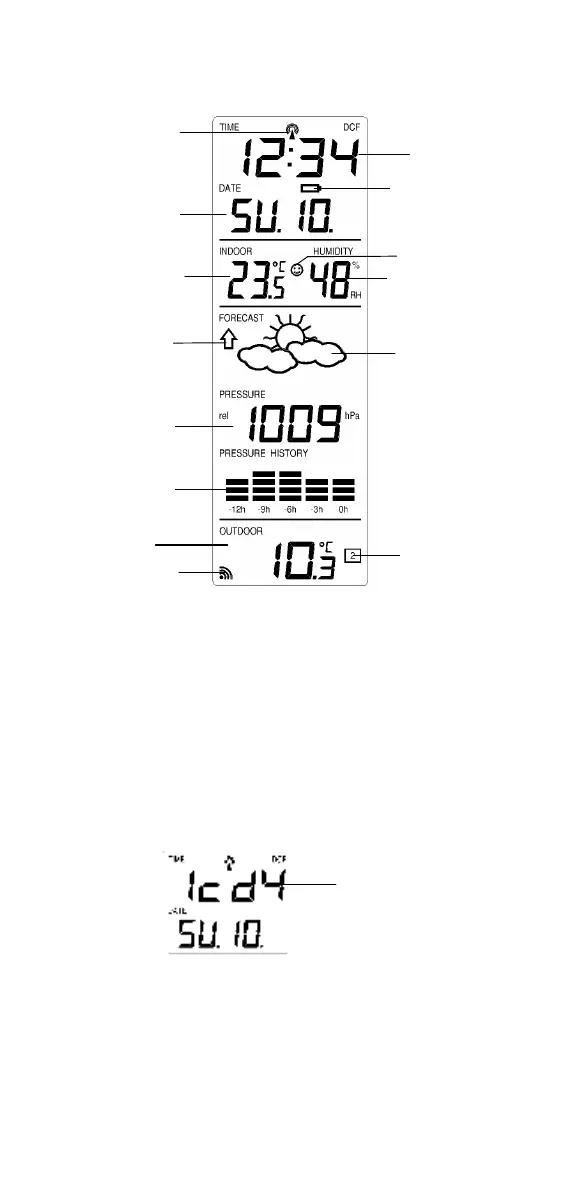
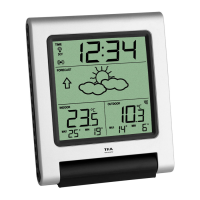
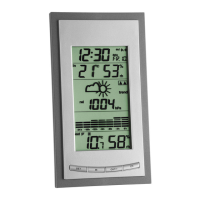
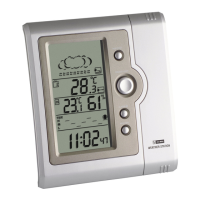
Outdoor temperature
in ºC/ ºF
Outdoor transmitter
identification number
Comfort indicator icon
Relative air pressure
history bar graph
Relative air pressure
in hPa/ inHg
MANUAL SETTINGS:
The following manual settings can be changed when pressing the SET
key for:
• LCD contrast setting
• Time zone setting
• Time reception ON/OFF setting
• 12/24-hour format setting
• Manual time setting
• Calendar setting
• °C/°F temperature setting
• hPa/inHg pressure setting
• Relative air pressure setting
• Weather forecasting icon sensitivity setting
LCD CONTRAST SETTING:
The LCD contrast can be set within 8 levels, from LCD 0 to LCD7 (Default
setting is LCD 4):
1. Press the SET key until the digit starts flashing.
2. Use the OUT/+ key to view all levels of contrast.
3. Select the desired LCD contrast. Confirm with the SET key and
enter in the Time Zone setting.
Last digit flashing
Low battery indicator


 To Next Page