1110
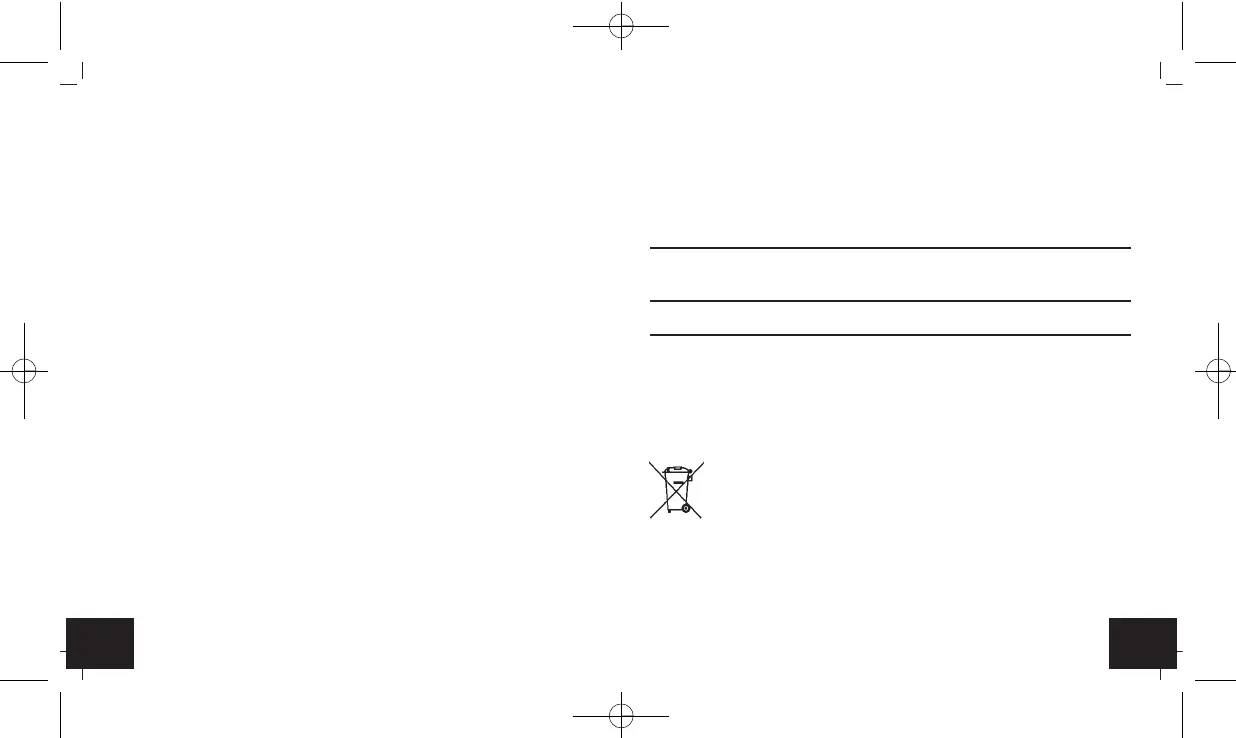
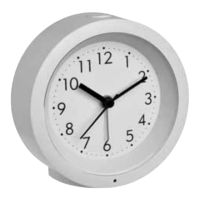
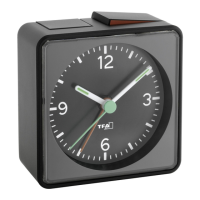
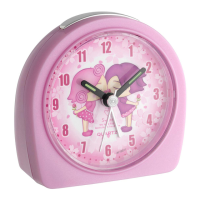
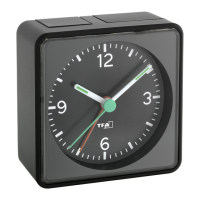
Alarm clock
Alarm clock
10.1 Battery replacement
• Change the battery when the device functions become weak.
11. Troubleshooting
Problem Solution
Clock's hands do not move ➜ Ensure the battery polarity is correct
➜ Change the battery
Incorrect indication ➜ Change the battery
If your device fails to work despite these measures contact the retailer where
you purchased the product.
12. Waste disposal
This product has been manufactured using high-grade materials and compo-
nents which can be recycled and reused.
Never dispose of empty batteries and rechargeable batteries
with ordinary household waste.
As a consumer, you are required by law to take them to your
retail store or to an appropriate collection site depending on
national or local regulations in order to protect the environ-
ment.
The symbols for the contained heavy metals are:
Cd=cadmium, Hg=mercury, Pb= ead
6. Getting started
• Open the battery compartment and insert one new battery 1,5 V AA. Ensure
that the battery polarity is correct.
• Close the battery compartment again.
7. Time setting
• Turn the left setting dial (direction of the arrow) and set the actual time.
8. Setting of alarm
• Turn the right setting dial (direction of the arrow) and set the respective
alarm time.
• Slide the ON/OFF switch upwards (ON). The alarm function is activated.
• Slide the ON/OFF switch downwards (OFF). The alarm function is deacti-
vated.
9. Backlight
• Press the LIGHT button to activate the backlight.
10. Care and maintenance
• Clean the device with a soft damp cloth. Do not use solvents or scouring
agents.
• Remove the battery if the device will not be used for an extended period
of time.
• Keep the device in a dry place.
TFA_No. 60.1025_Anleit_04_21 23.04.2021 10:46 Uhr Seite 6


 To Next Page