Safety Information ............................................. Inside front cover
Kit Contents ......................................................................................... 1
Tips and Tricks ................................................................................... 2
Table of Contents ............................................................................... 3
Robotics Workshop: The Robot Builder’s Toolkit
Geing Started ................................................................................... 5
About the Sensors .............................................................................. 6
The App ................................................................................................ 8
Writing Programs ............................................................................... 9
The models:
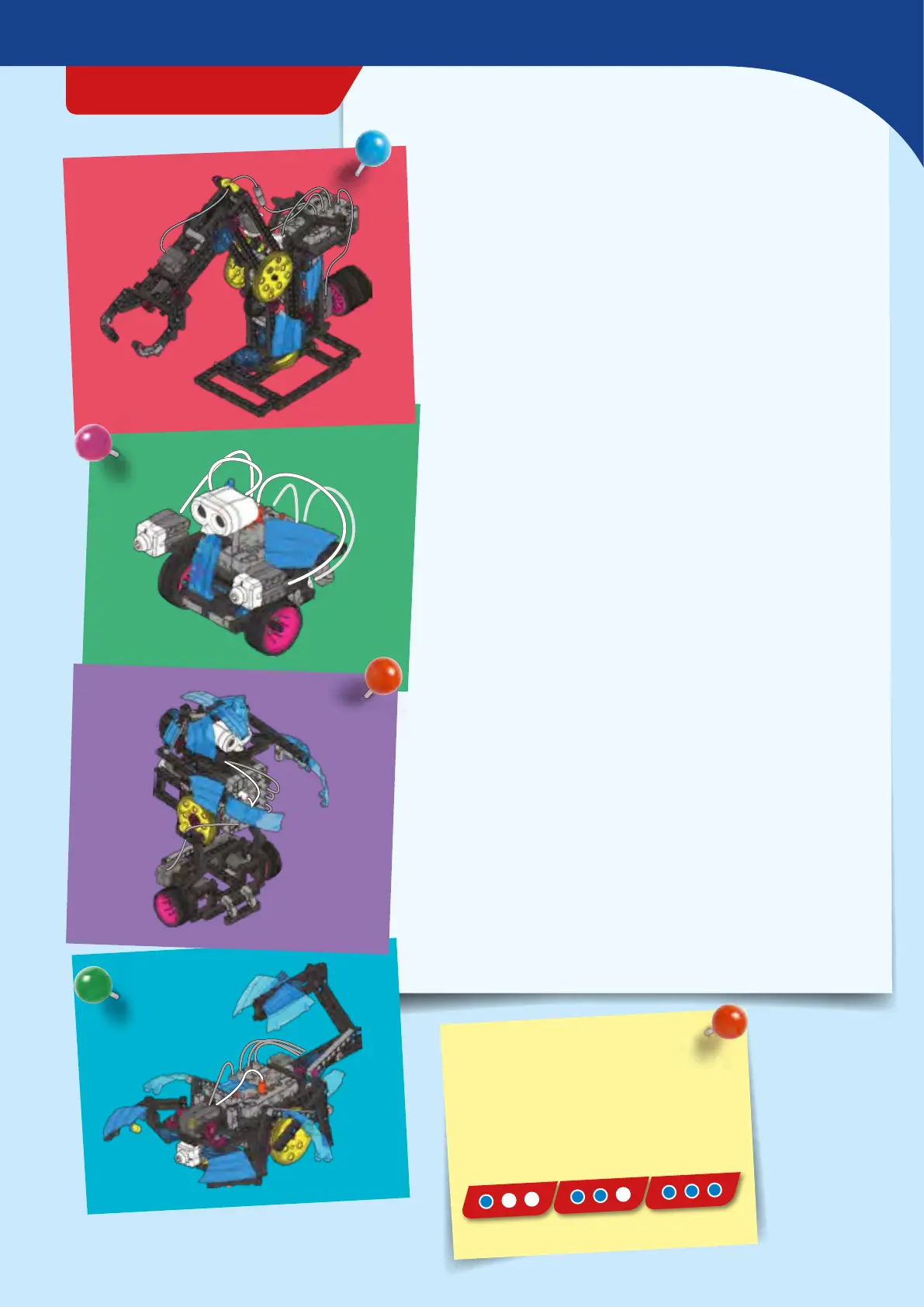
Ultrasonic Turtle Robot ...................................................................... 12
Programming the Turtle Robot .........................................................14
Touch Sensor Robot ..............................................................................15
Programming the Touch Sensor Robot ...........................................17
Drawing Robot .......................................................................................18
Programming the Drawing Robot ....................................................20
Claw-Arm Robot .................................................................................... 21
Programming the Claw-Arm Robot ................................................. 26
Ball-Shooting Robot .............................................................................27
Programming the Ball-Shooting Robot ..........................................33
Light-Tracking Robot ............................................................................34
Programming the Light-Tracking Robot .........................................36
Ultrasonic Walking Robot ................................................................... 37
Programming the Ultrasonic Walking Robot ................................ 41
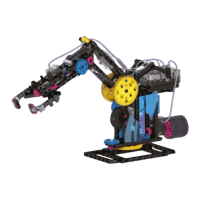
Robotic Arm ............................................................................................42
Programming the Robotic Arm .........................................................48
Butler Robot ............................................................................................49
Programming the Butler Robot ......................................................... 56
Scorpion Robot ....................................................................................... 57
Programming the Scorpion Robot ....................................................64
Publisher’s information ......................................Inside back cover
TIP!
Above each set of assembly
instructions, you will find a red bar:
›››
I
t shows you the difficulty level for
the model’s assembly:
easy medium hard
› › › TABLE OF CONTENTS
Robotics Workshop
3


 To Next Page