— E18 —
Operation
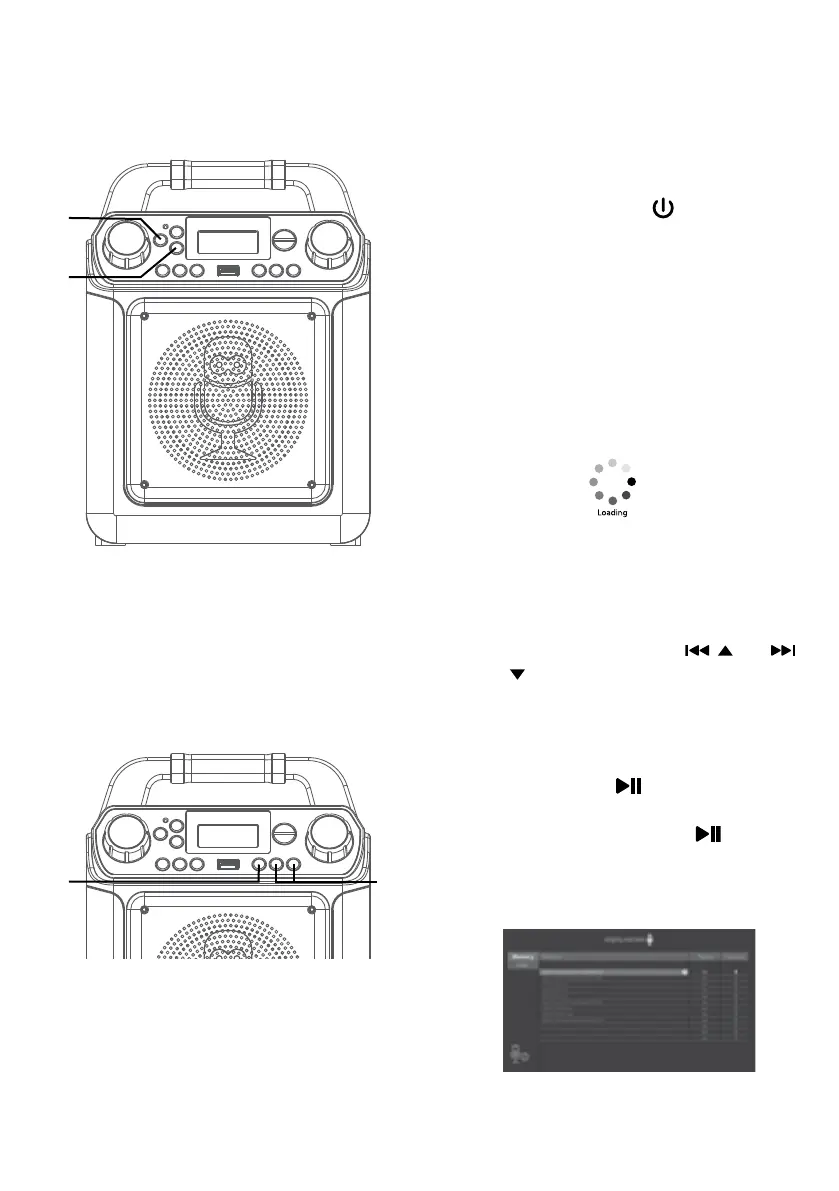
Playing Songs from the Recorded Files
1
Connect the unit as described
previously; it should be connected
to a TV. Press the button to turn
the unit on.
2
Repeatedly press the LIGHTS/
FUNCTION button to select the
Recordings mode "rEC" will appear
in the display.
NOTES:
• The Recording mode cannot be accessed
until a flash drive is inserted.
• A loading icon will appear when
the system is loading the files.
3
It is highly recommended to have it
connected to a TV for the recorded
files playback. Use the / and
/ buttons to navigate through the
list of recorded files that you have
previously recorded on your USB.
4
Press the /ENTER button
to start the recorded audio file
playback. Press the /ENTER
button during playback to pause the
file.
u
w
v
x















 To Next Page