— E11 —
Playing Songs from the USB (Continued)
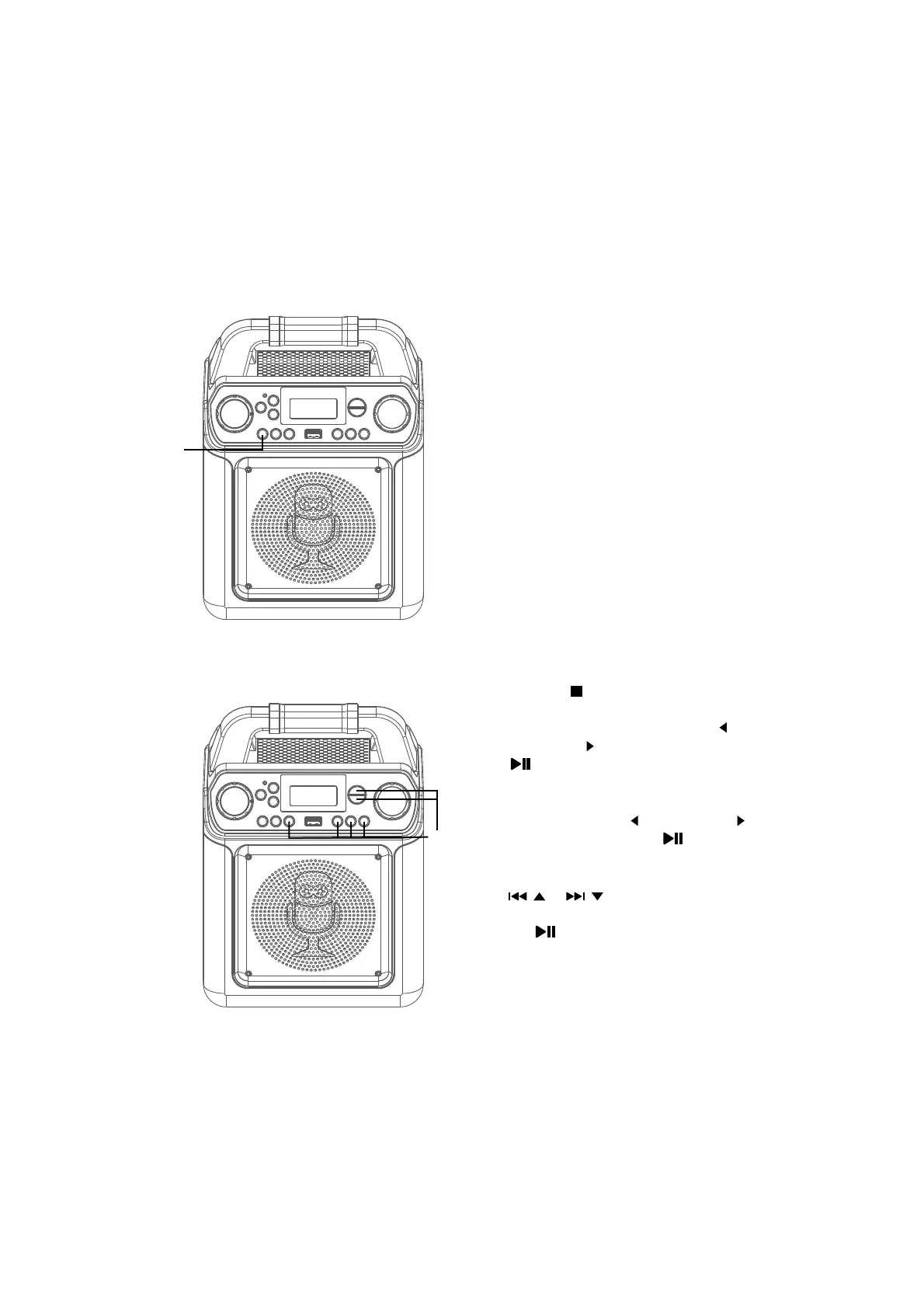
on the recording, press and hold the10
VOCALS: To sing with the lead singer
VOCAL/VOICE EFFECTS button. To
listen to music only, press and hold
the VOCAL/VOICE EFFECTS button
again.
Note: The song must be recorded with
separate vocals that is downloaded (aka
multiplex recording) in order to utilize the
Lead Vocal function.
11
VOICE EFFECT: Repeatedly press the
VOCAL/VOICE EFFECTS button to
select from ECHO, FEMALE, MALE,
CHIPMUNK, ROBOT or RADIO vocal
effects. Select NONE to sing without
any voice effect.
12
SEARCHING BY GENRE, ARTIST
or TITLE: While in the USB menu,
press the button enter the search
mode. “SEA” will appear in the display.
Select search using the FAVOR / or
PLAYLIST/ buttons, then press the
/ENTER button. The alphabet will
appear at the bottom of the screen.
Select the desired starting letter
using the FAVOR / or PLAYLIST/
buttons, then press the /ENTER
button to select it. A list of songs that
meet the criteria will appear. Use the
/ or / buttons to navigate
through the list of songs, then press
the /ENTER button to play your
selection, or select the next letter the
same way.
Note: You can search up to six letters. After
the sixth letter the search will reset.
Operation
al
at
ak














 To Next Page