— E13 —
Playing Songs from the USB (Continued)
Operation
14
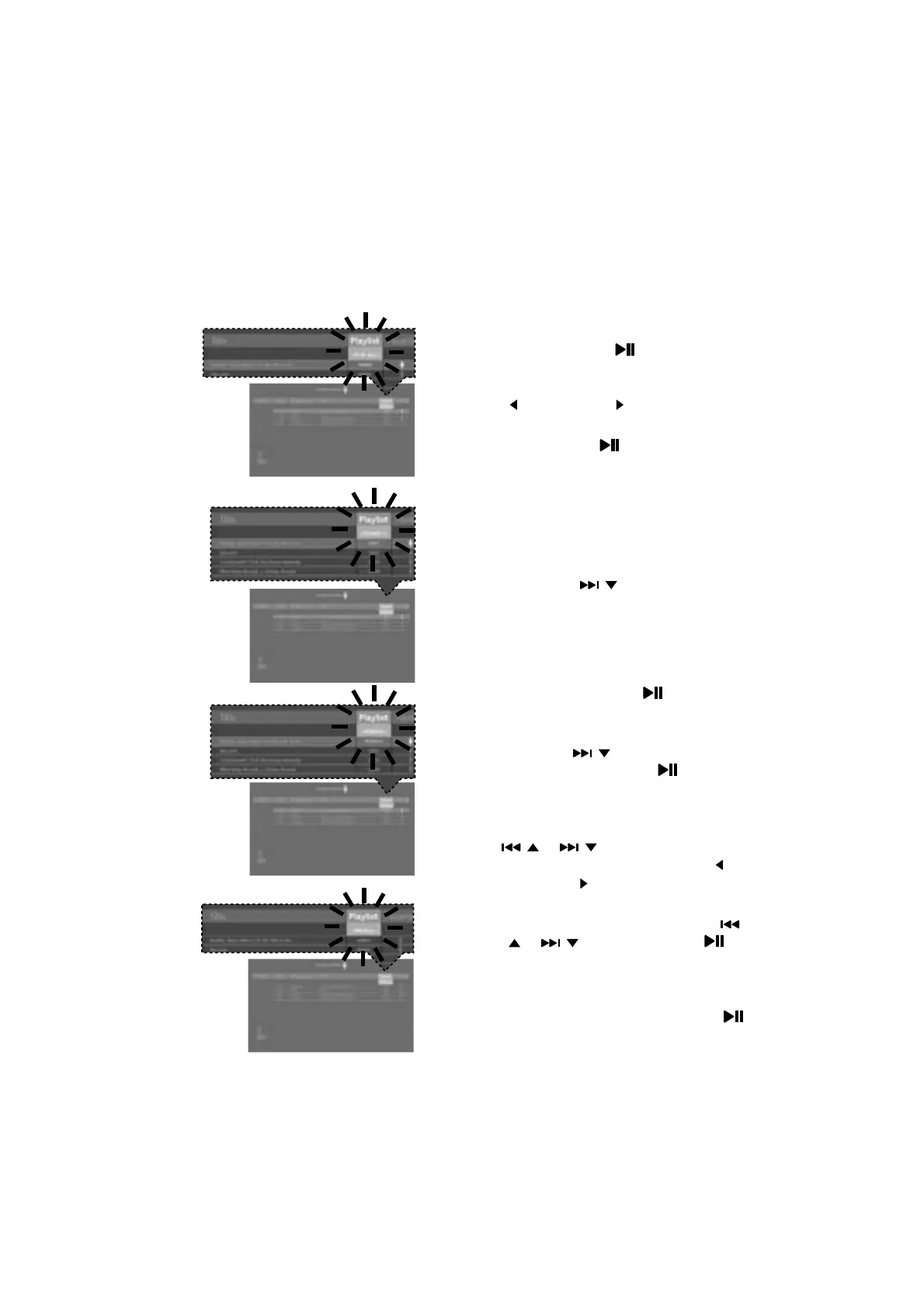
USING THE PLAYLIST: To play your
previously created playlist, select
Playlist press the /ENTER; the row
under Playlist will be highlighted. Select
the desired selection using the FAVOR
/
or PLAYLIST/ buttons as follows:
TO PLAY ALL: Select Play All and
then press the
/ENTER button to
play back all of the Playlist songs. (See
below to add favorites.)
PRIORITY:
a. Select priority and then navigate
down to the song you want to
prioritize.
b. Press the / button and the
numbers will change to 0001, 0002,
etc. According to the numbers
displayed the songs will be listed in that
order from top to bottom.
c. After setting all songs on your
priority list, press the
/ENTER
button then the playlist will be
highlighted.
d. Use the
/ button to select the
first song and press the
/ENTER
button to start the playback of all
songs on the play list.
e. To change the Priority of list, using
/ or / to select the songs,
or then press and hold the FAVOR /
PLAYLIST/ buttons.
REMOVE: Select Remove and then
select a song to remove using the
/ or / buttons. Press the /
ENTER button; the song will be deleted
from the playlist.
RM ALL: To remove the whole Playlist,
select RM ALL and then press the
/ENTER button; the whole Playlist will
be deleted.














 To Next Page