— E17 —
Operation
Using a Bluetooth Device (Continued)
am
at
ak
al
10
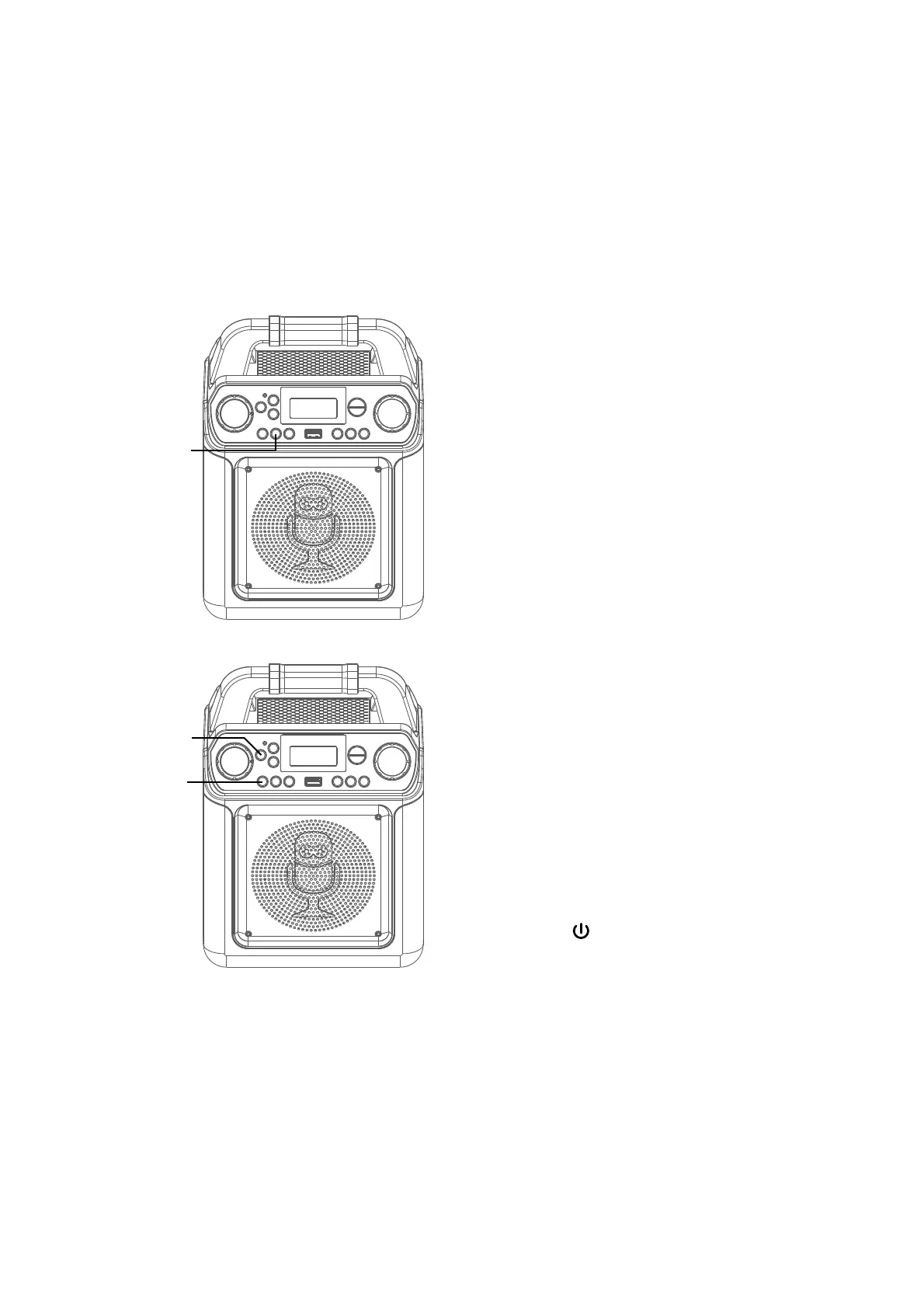
RECORD YOUR VOCAL
PERFORMANCE:
To record your singing as well as
the music, press the REC button;
recording will begin and the record
indicator will flashing.
When done recording, press the
Record button again; the Record
indicator will turn off.
Notes:
• The recorded audio file will record onto the
USB drive.
• The recorded audio file will be named with
the “BT” prefix.
on the recording, press and hold the11
VOCALS: To sing with the lead singer
VOCAL/VOICE EFFECTS button. To
listen to music only, press and hold
the VOCAL/VOICE EFFECTS button
again.
Note: The song must be recorded with
separate vocals that is downloaded (aka
multiplex recording) in order to utilize the
Lead Vocal function.
12
VOICE EFFECT: Repeatedly press
the VOCAL/VOICE EFFECTS button
to select from ECHO, FEMALE, MALE,
CHIPMUNK, ROBOT or RADIO vocal
effects. Select NONE to sing without
any voice effect.
13
Press the button to turn the unit
off.














 To Next Page