— E8 —
Operation
Sound Effect
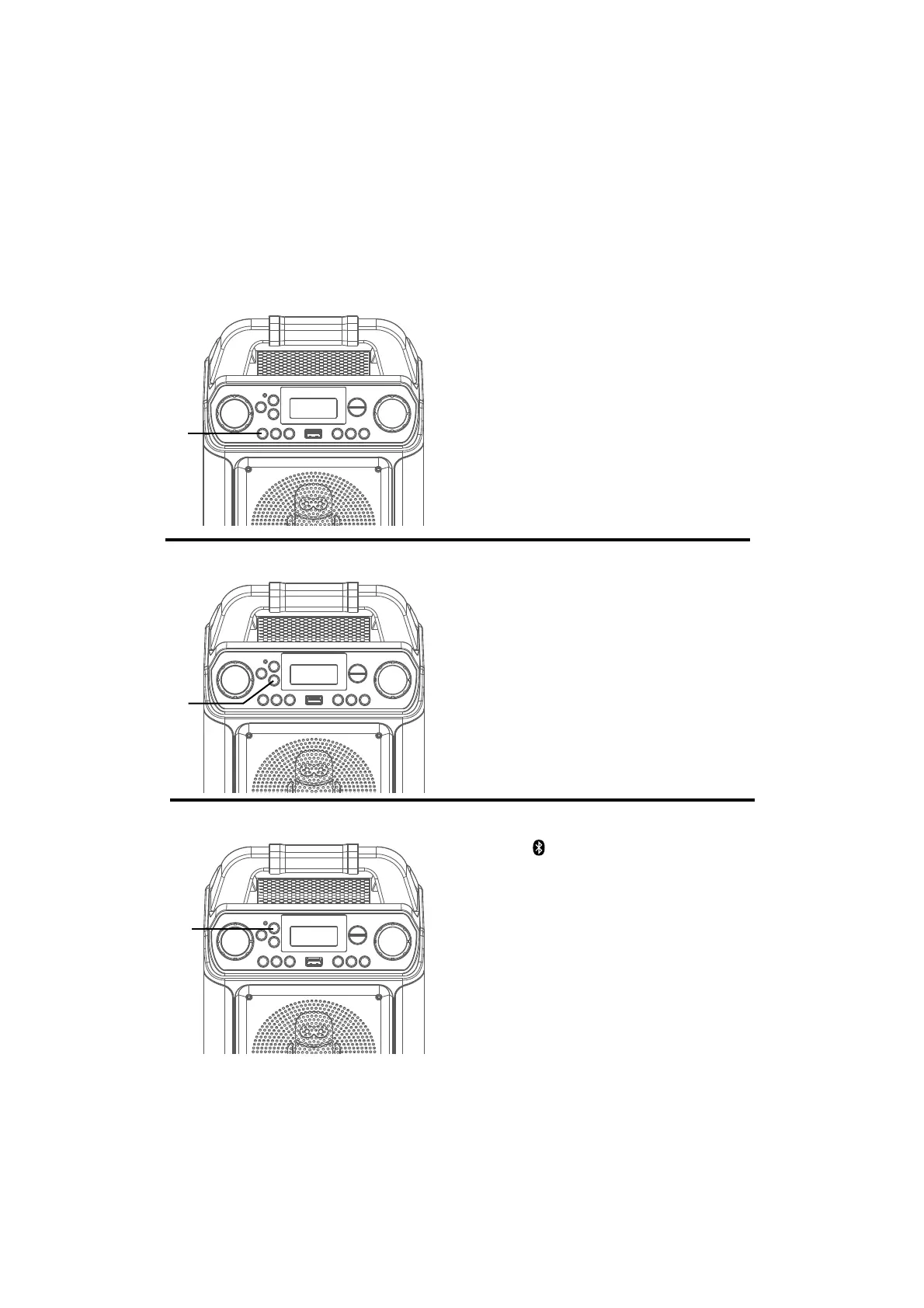
Repeatedly
press the VOCAL/VOICE
EFFECTS button to select different vocal
effects. Display will show:
EF0 - NONE
EF1 - ECHO
EF2 - FEMALE
EF3 - MALE
EF4 - CHIPMUNK
EF5 - ROBOT
EF6 - RADIO
u
Speaker Lights
Bluetooth Mode
When the unit is turned on, the Light mode
1 is automatically activated. The lights will
light up and will synchronize with sound
when you speak or sing into the microphone.
Press and hold the LIGHTS/FUNCTION
button for Light mode 2 which will display
the light show but will not respond to the
microphone.
Press and hold the LIGHTS/FUNCTION
button once again to turn off the Lights.
Press the
button to easily set the machine
into pairing mode.
u
u














 To Next Page