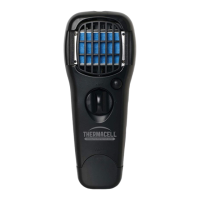
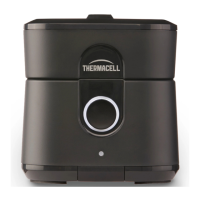
TO USE THE MOSQUITO REPELLENT
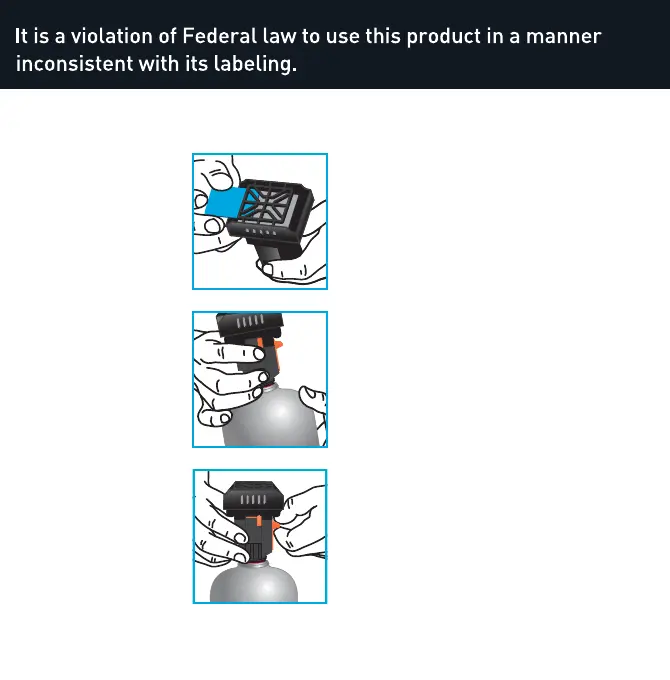
1. Insert Mat:
Remove one Thermacell
®
Mosquito Repellent mat
from wrapper. Insert the
mat under the mosquito
repeller’s black grill.
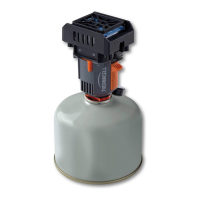
2. Attach Canister:
Remove the appliance
rubber plug. Remove the
canister cap if present.
Keep canister in upright
position. Screw the
appliance into the top of
the canister. Make sure
canister is fully inserted
by turning it until it
stops. Do not over
tighten.
3. Turn On:
Flip the ‘ON/OFF’ switch
to the ‘ON’ position; the
fuel will begin to flow.
Wait approximately 3
seconds, then pull the
start tab upwards towards
the grill until it clicks.
Look through view hole on the panel
opposite the start switch to verify there is
an orange glow indicating mosquito repeller
is on.
Turn Off:
1. Flip the ‘ON/OFF’ switch to the ‘OFF’
position.
2. Grill and top area may be hot. Allow the
mosquito repeller to cool completely.
3. Remove the canister by turning counter
clockwise. Replace plug.
4. Store in travel bag provided.
To Replace Thermacell Mat:
Mats turn from blue to white when
mosquito repellent has been depleted. Turn
mosquito repeller OFF. Allow grill to cool.
Push the used mat out by inserting a new
mat.
OFF
ON
OFF
ON


 To Next Page