To leave the test screen, press for 2 seconds
on any place on the touchscreen.
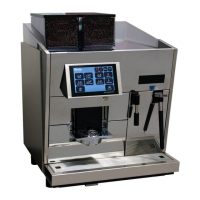
The system check menu also contains an option to check the touchscreen for it‘s functionality. Press on „Touchpanel test“
to start the test program. A grid will appear on the screen. After every touch on the screen a red „dot“ should appear on
the same spot.
2.4 Touchpanel Test
2. Service menu „System Check“
Zum Verlassen Touch 2s berühren
to leave, press and hold for 2s


 To Next Page
 Loading...