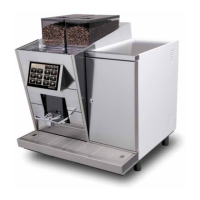
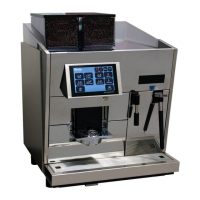
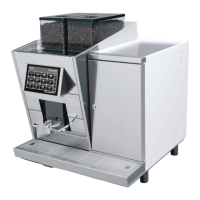
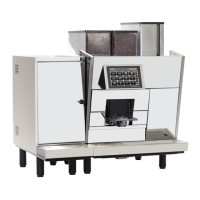
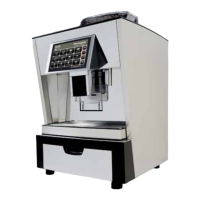
3.1 Possible problems with the touchscreen
3. Touchscreen FOX
3.2 Troubleshooting on touch screen
• Slow reaction of the touchscreen
• Screen is ickering
• Some product buttons have disappeared
• Display shows unreadable hieroglyphics instead of text
• Machine does not start completely: „Ready“ is not displayed
• Blue box with error message on left top corner of the screen
• Screen stays black
• White screen (screen only returns white light)
Follow these instructions step by step to determine the error the fastest way.
Requirement: The CF card must be formatted with FAT or FAT32!
NTFS data system does not work!
Step 1
• Switch off machine
• Wait for 10 seconds
• Switch machine back on
• If this action does not solve the problem, proceed with step 2
Step 2
• Switch off machine
• Remove CF card (position CF card can be seen in section „3.3 Overview FOX-Print“)
• Check if there are any defects on the pins in the CF card slot
• Reinsert the CF card
• Switch machine back on
• If this action does not solve the problem, proceed with step 3
Step 3
Check FOX-Print index (see section „3.3 Overview FOX-Print“)
• Recommendation of CF card for FOX 70-Print version A-C: CF card type „take MS“
• From FOX 70-Print version D the CF card type does not matter anymore
• If this action does not solve the problem, proceed with step 4


 To Next Page
 Loading...