4.4.9 Gadget
Provide tools such as chrome.
11
12
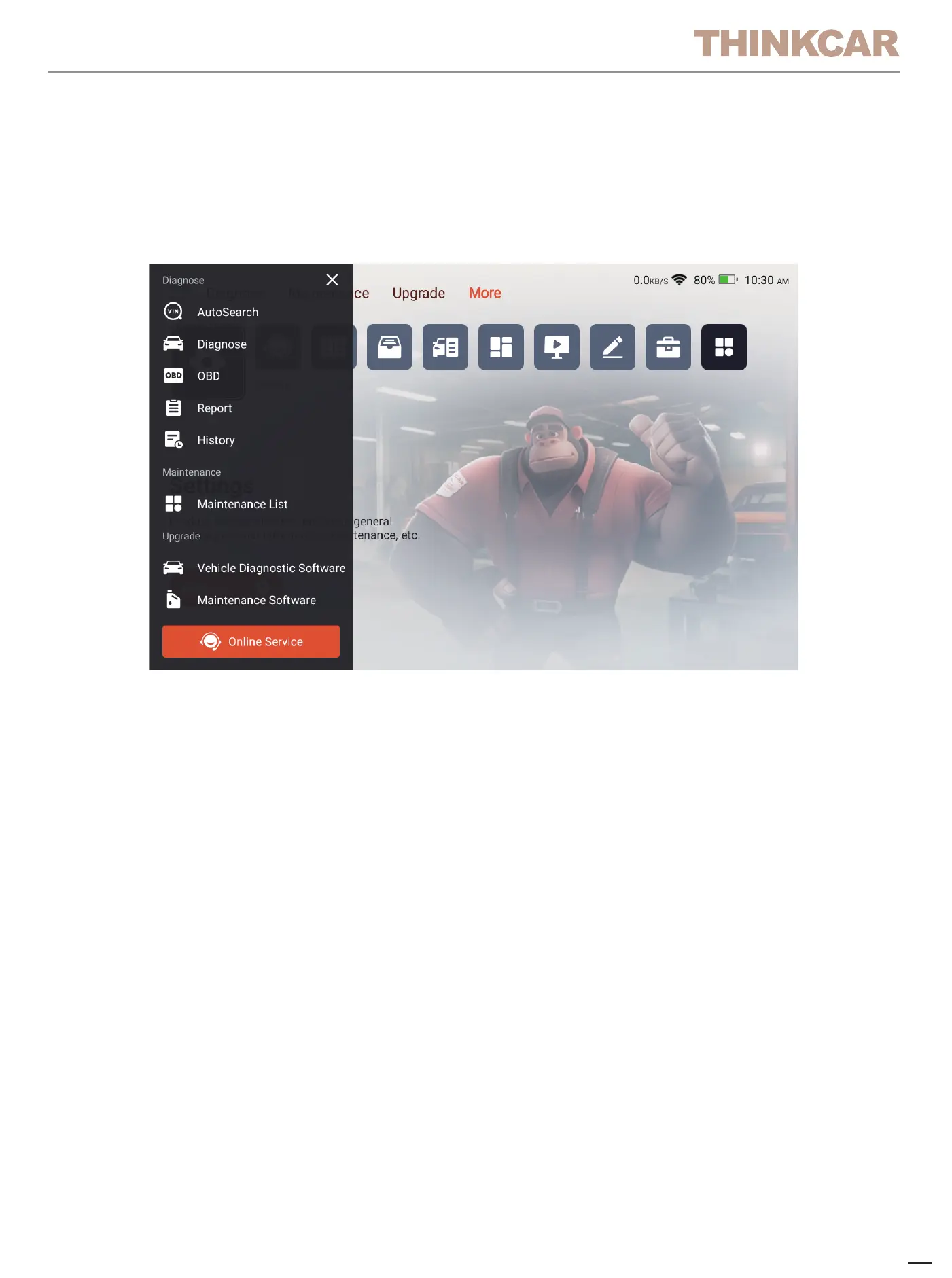
4.5.2 Function shortcuts
Click the icon in the upper left corner of the home screen to display the
shortcut menu of product functions. Click the corresponding product
function to quickly enter the function.
4.5 Quick access
4.5.1 Quick access to settings
Swipe down from the screen to display the system settings shortcut keys.
Supports Wi-Fi, Bluetooth, screenshot, screen recording, screen flip,
screen brightness adjustment, and volume adjustment.


 To Next Page