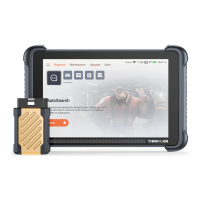
3.1 Turn on the device
After pressing the power button, image will be shown on the screen as
follow.
3.2 Language Setting
Select the tool language from the languages displayed on the page, If you
do not select a language, the default language is English. Please read and
agree to the privacy agreement. Click the Start button to start using this
product.
03
3.3 Start using
When you enter the product homepage, you can use the product
functions. Our products provide online customer service functions. If you
have any product-related questions, you can get technical support through
online customer service. We have a professional team to provide you with
services.
04


 To Next Page