Function Descriptions
4
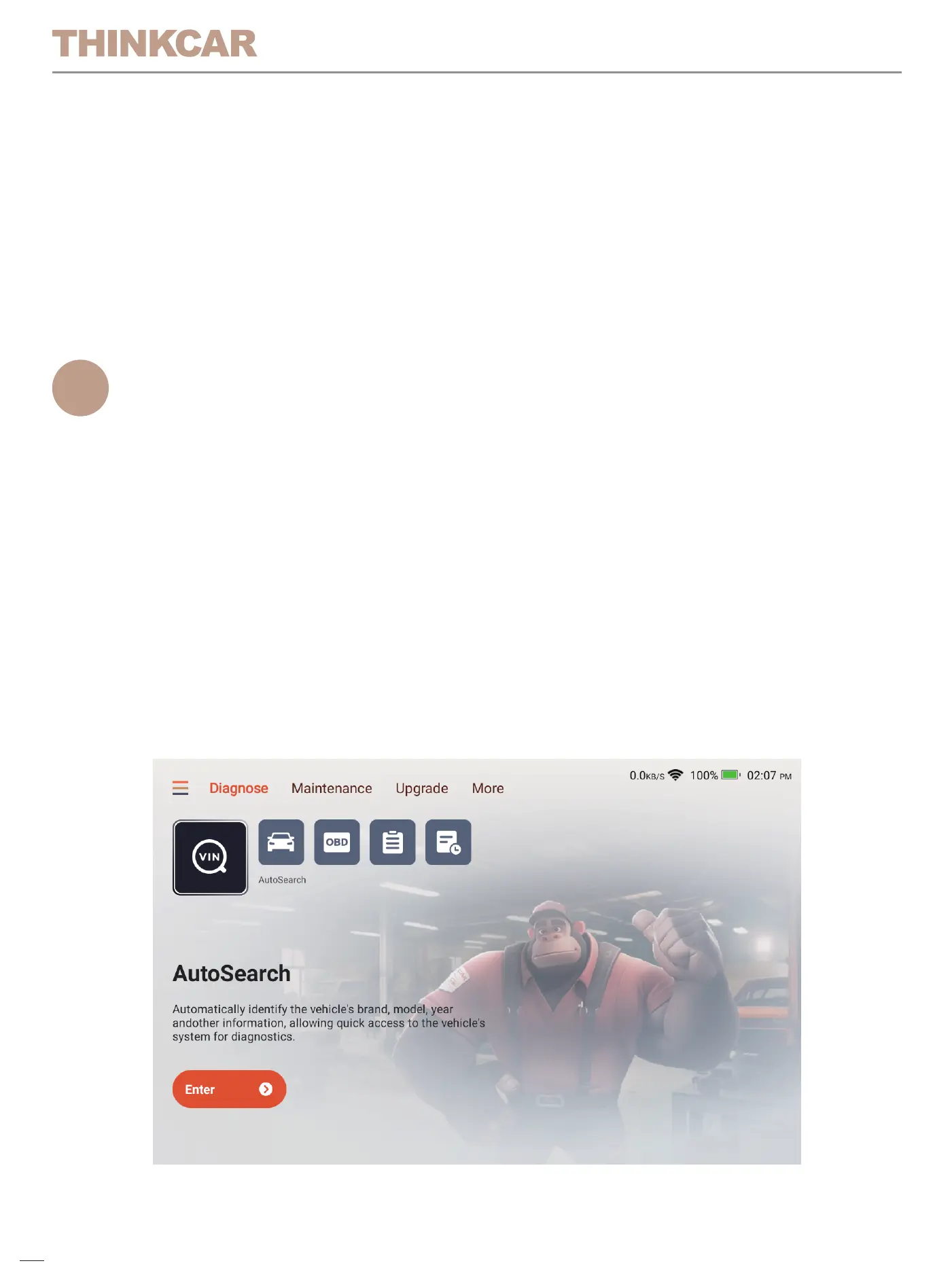
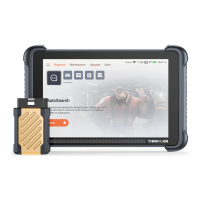
The THINKSCAN provides 4 functional modules, including Diagnose,
Maintenance, Upgrade, More. In addition, there are shortcuts to the above
functions.
Tips: Please note that manual and product pages may differ due to version updates.
3.4 Connect Wi-Fi (Recommend)
For a better product experience, we recommend that you connect to Wi-Fi
then check and update to the latest software version before you start using
the product. If there is no Wi-Fi, you can connect to the mobile hotspot, but
please note that some software has a large capacity, so please pay
attention to the data consumption in a non-Wi-Fi environment to avoid
additional data consumption and incurring fees.
4.1 Diagnose
Full system diagnosis: it supports more than 140 automobile brands, smart
diagnosis , full-system and full-function diagnosis: read fault codes, clear
fault codes, read real-time data streams, special functions, action tests,
etc. A diagnostic report will be automatically generated after the diagnosis.
05
4.1.1 AutoSearch
Autosearch can automatically read the car's VIN number, manufacturer
and year of manufacture. If the vehicle information cannot be read, you
can enter it manually and continue the diagnosis.
4.1.2 Diagnose
The diagnose module supports manual vehicle selection. You can filter by
vehicle region, brand, model, etc. Using this function requires you to have
a full understanding of the diagnostic vehicle information. If you do not
know enough about the vehicle information, it is recommended that you
use Autosearch to automatically identify the vehicle information and
perform diagnosis.
06


 To Next Page