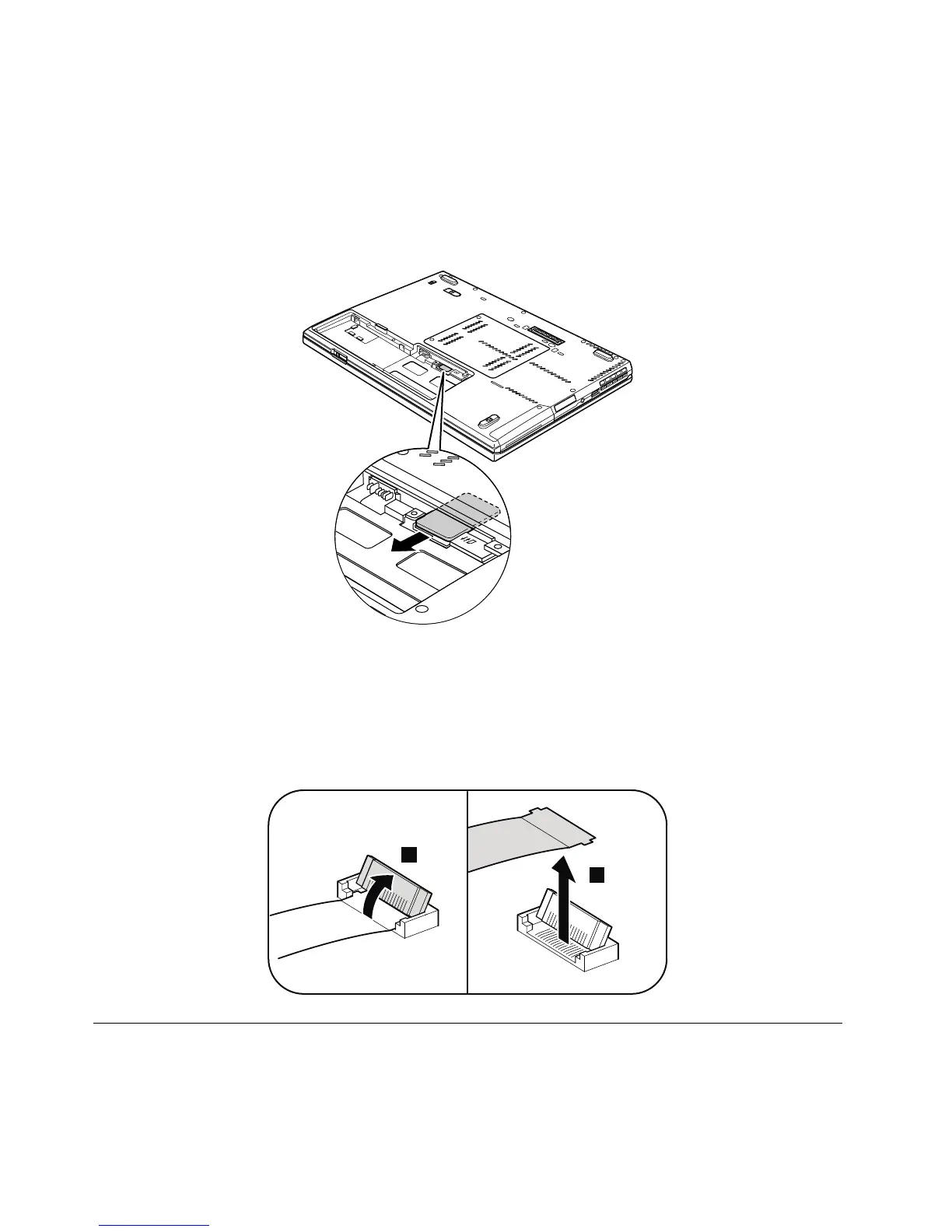
SomemodelsoftheThinkPadT420sandT420siyouareservicingmighthavetheSIMcardthatthe
customerhasinstalled.
IfthecomputeryouareservicinghastheSIMcard,removeitbeforeyoustarttheservicing.
ToremovetheSIMcard,youneedtoremovethebatterypackfirst.(See1010Batterypack.)
Afteryoufinishtheservicing,makesurethatyouinsertthecardbackintotheslotfirmly.
Noticeondisconnectingthecablefromflip-lockZIFconnector:
SomecablesusedinThinkPadT420sandT420simodelsareconnectedtoflip-lockZIFconnectors.
Whendisconnectingacablefromtheflip-lockZIFconnector,doasshowninthisfigure.



 To Next Page