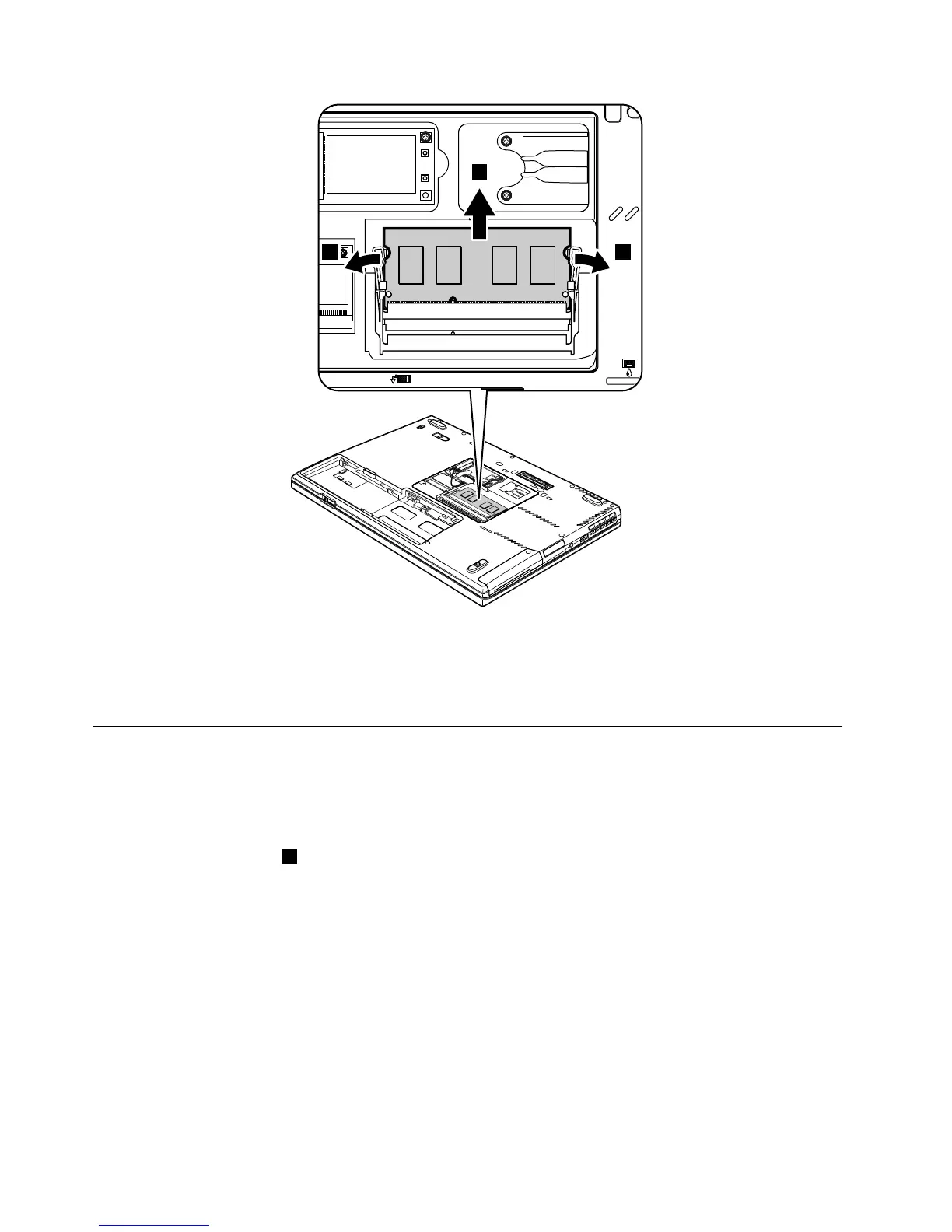
Wheninstalling:
InsertthenotchedendoftheDIMMintothesocket.PresstheDIMMinfirmly,andpivotituntilitsnapsinto
place.Makesurethatitisfirmlyattachedintheslotanddoesnotmoveeasily.
1050PCIExpressMiniCardforwirelessLAN
Foraccess,removethisFRU:
•“1010Batterypack”onpage68
RemovalstepsofPCIExpressMiniCardforwirelessLAN
Note:Removethescrews1.
74HardwareMaintenanceManual



 To Next Page