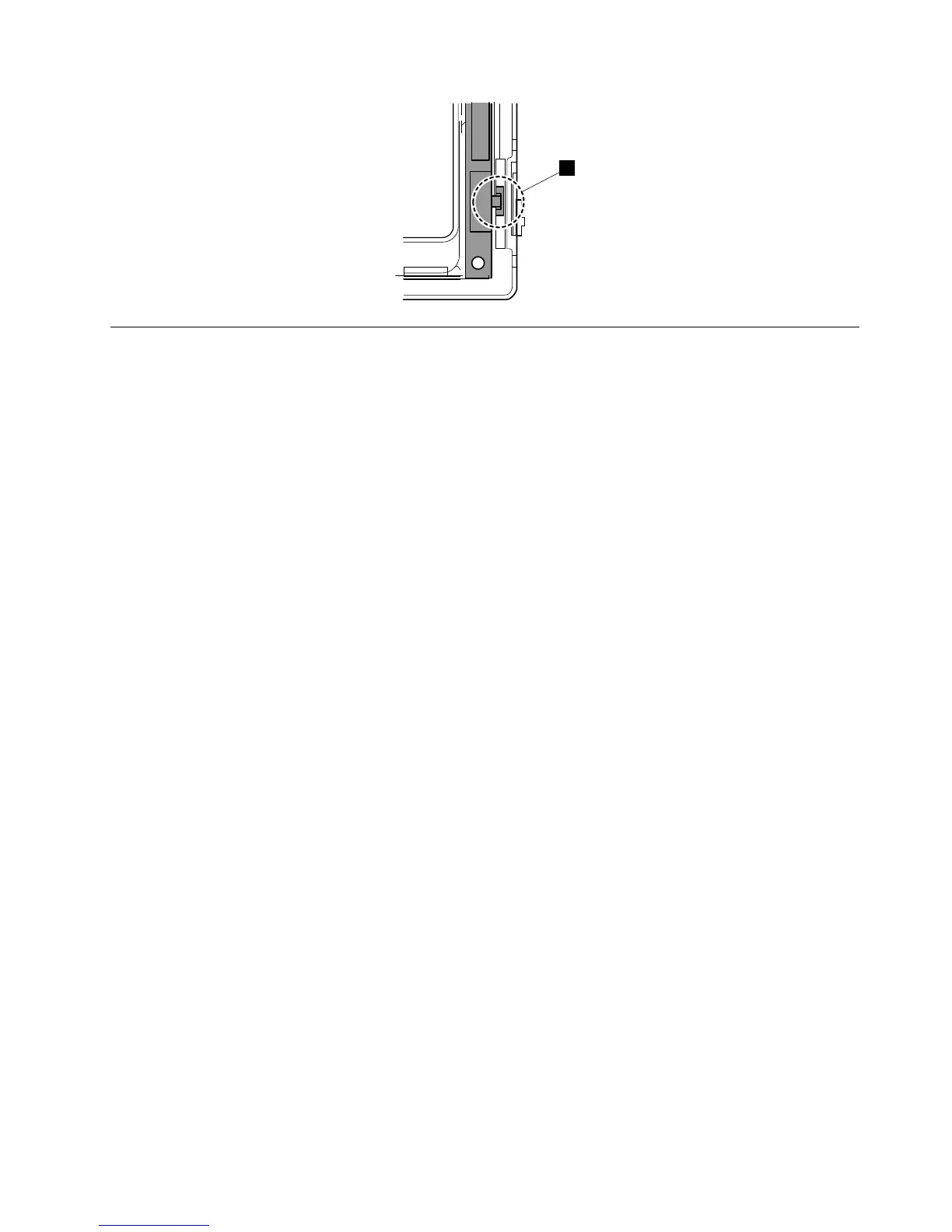
1150Systemboard,fanassembly,34-mmExpressCardreader,and
basecover
Importantnoticesforhandlingthesystemboard:
Whenhandlingthesystemboard,readthefollowing:
•Thesystemboardhasanaccelerometer,whichcanbebrokenwhenseveralthousandsofG-forces
areapplied.
Note:Droppingasystemboardfromaheightofaslittleas6inchessothatitfallsflatonahardbench
cansubjecttheaccelerometertoasmuchas6,000G'sofshock.
•Becarefulnottodropthesystemboardonabenchtopthathasahardsurface,suchasmetal,wood,or
composite.
•Ifasystemboardisdropped,testitusingPC-DoctorforDOSifthesystemsupportsPC-DoctorforDOS,
tomakesurethattheHDDActiveProtection
™
stillfunctions.
Note:IfthetestshowsthattheHDDActiveProtectionsystemisnotfunctioning,besuretodocumentthe
dropinanyrejectreport,andreplacethesystemboard.
•Avoidroughhandlingofanykind.
•Ateverypointintheprocess,besurenottodroporstackthesystemboard.
•Ifyouputasystemboarddown,besuretoputitonlyonapaddedsurfacesuchasanESDmatora
corrugatedconductivematerial.
IfthesystemsupportsPC-DoctorforDOS,afterreplacingthesystemboard,runPC-DoctorforDOSto
makesurethatHDDActiveProtectionsystemstillfunctions.Theprocedureisasfollows:
1.Placethecomputeronahorizontalsurface.
2.RunDiagnostics➙ThinkPadDevices➙HDDActiveProtectionTest.
Attention:Donotapplyphysicalshocktothecomputerwhilethetestisrunning.
Foraccess,removetheseFRUs,inorder:
•“1010Batterypack”onpage68
•“1020SerialUltrabaySlimdeviceortravelbezel”onpage69
•“1030Solid-statedrive(SSD)orharddiskdrive(HDD)”onpage70
•“1040DIMM”onpage72
•“1050PCIExpressMiniCardforwirelessLAN”onpage74
•“1060PCIExpressMiniCardforwirelessWAN”onpage77
Chapter8.RemovingandreplacingaFRU93



 To Next Page