Desktop Setting
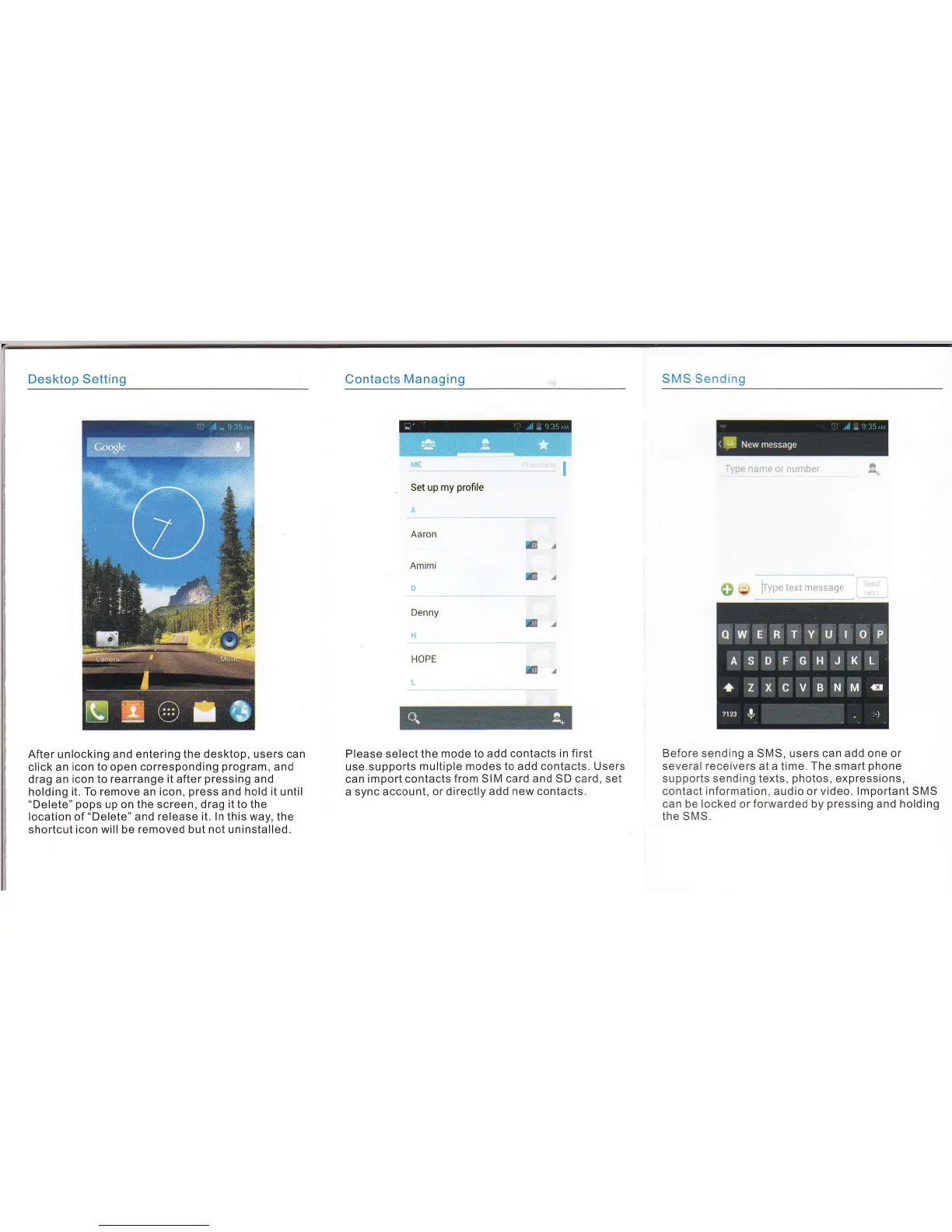
After unlocking and entering the desktop, users can
click an icon to open corresponding
program,
and
drag an
icon to rearrange it after
pressing
and
holding it. To remove an icon,
press
and hold it until
"Delete" pops
up on
the screen, drag it to the
location of
"Delete"
and release it. ln this way, the
shortcut icon will be removed but not uninstalled.
l!l!
-.-..
..-.-.-.-.
--l
.-:.-
Set up my
profile
Contacts
Managing
Please select the mode to add
contacts in first
use.supports multiple
modes to add contacts. Users
can import contacts
from SIM card and SD card, set
a sync
account, or directly add new contacts.
SMS Sending
T'rpe
name or nunber
Before sending a SMS, users can add one or
several receivers at a time. The smart
phone
supports sending texts,
photos,
expressions,
contact
information,
audio or
video. lmportant SMS
can be locked or forwarded by
pressing
and holding
the SMS.
Aaron
Amimi
0
Denny
fi
lE/
lE/
G/
HOPE
I
lE/


 To Next Page
 Loading...