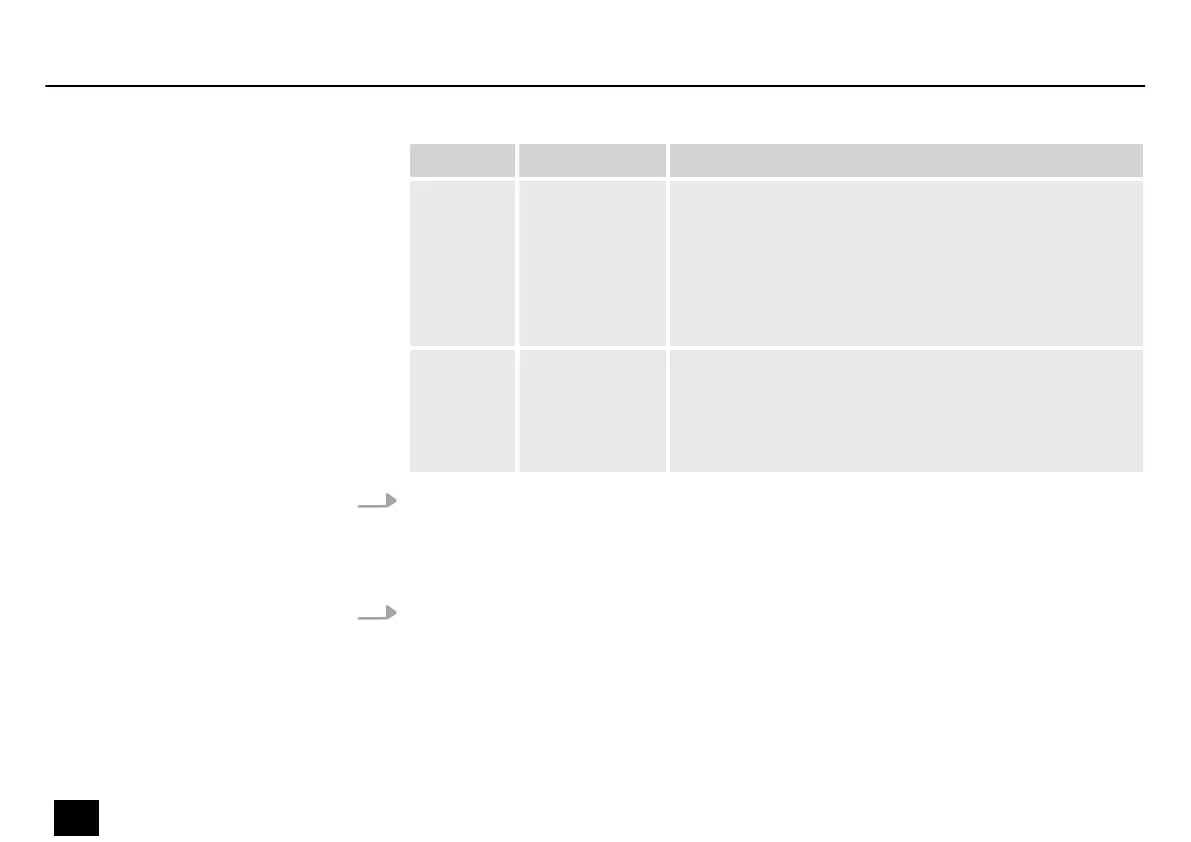
Display Name Function
‘R’ RDM In RDM mode, the interface initiates a test of the device
after power up or after changing the interface mode,
and incrementally checks the device every 3 seconds.
When the ArtNet controller issues an ArtTodRequest
instruction, the converter immediately creates a list of
the UIDs of the connected devices. It supports ArtRdm
when sending other RDM instructions.
‘U’ Online upgrade This is the support function of the device. Here you can
update the converter yourself or the device that is in
connection mode through the interface through an
encrypted upgrade le provided by the ArtFirmware‐
Master instruction.
2. Select ‘All’ if you want to set the interfaces all the same. Now select one of the four
options and conrm with [Setup].
If you want to congure the interfaces dierently, select individual interfaces ‘Port1’ …
‘Port8’ to set them to one of the four values.
3. Press [Back] to go to the higher menu level.
Operating
22
NETcon 8-3 / 8-5
ArtNet DMX converter


 To Next Page