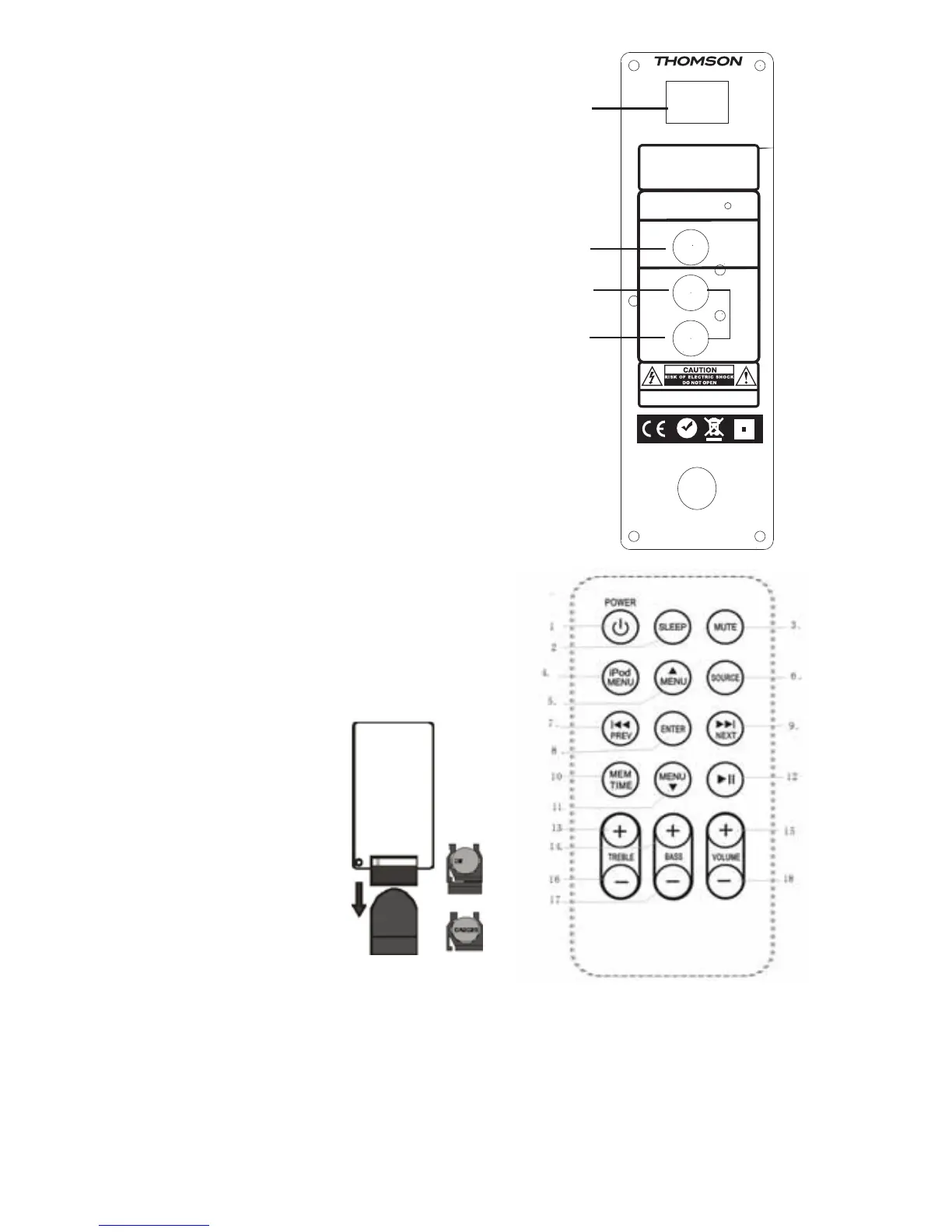
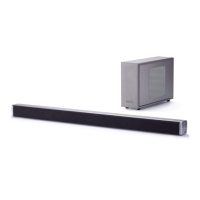
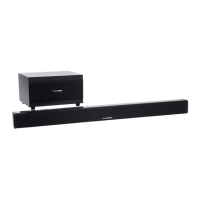
Back Panel
Video Out
1. Power switch
2. Video out
3. Aux in R
4. Aux in L
Remote Control
1. Power
2. Sleep
3. Mute
4. iPod menu
5. Menu up
6. Source
7. Previous
8. Enter
9. Next
10. Memory and set time
11. Menu down
12. Pause/Play
13. Treble+
14. Bass+
15. Volume+
16. Treble
17. Bass
18. Volume-
Using the Remote Control the Battery
Pull the clear tab from the battery compartment at the base (straight) end of the remote.
If your remote becomes intermittent or you find you have to move nearer the unit to
operate, the battery probably needs to be replaced. To replace the battery, slide the
battery holder from the base of the remote control. Remove the battery and replace
with a 3Volt Lithium Cr2025 battery ensuring the +side is on the underside of the
holder as you slide it back into the compartment.
- 3 -
-
-
WARNING:SHOCK HAZARD-DO NOT OPEN
AVIS:RISQUE DE CHOC ELECTRIQUE-NE PAS OUVRIR
AC~ 90-240V 50/60Hz
S/N:
RoHS
Frequences FM87.5-108MHz
Alimentation:~230V/50Hz
Consomation:60watts
Puissance en sortie:2X15W+30W
MODEL:DS4
0
1
ON
OFF
POWER
FM ANT
IPOD
VIDEO OUT
AUX IN
R
L
MADE IN CHINA
1.
2.
3.
4.


 To Next Page