Launch the MusicMatch
Jukebox software
The MusicMatch software converts audio
files to the mp3 and WMA formats so you
can play them on your Lyra Digital Audio
Player.
1. Remove the Music Management CD
from your computer.
2. Start the MusicMatch Jukebox
software (double click on the
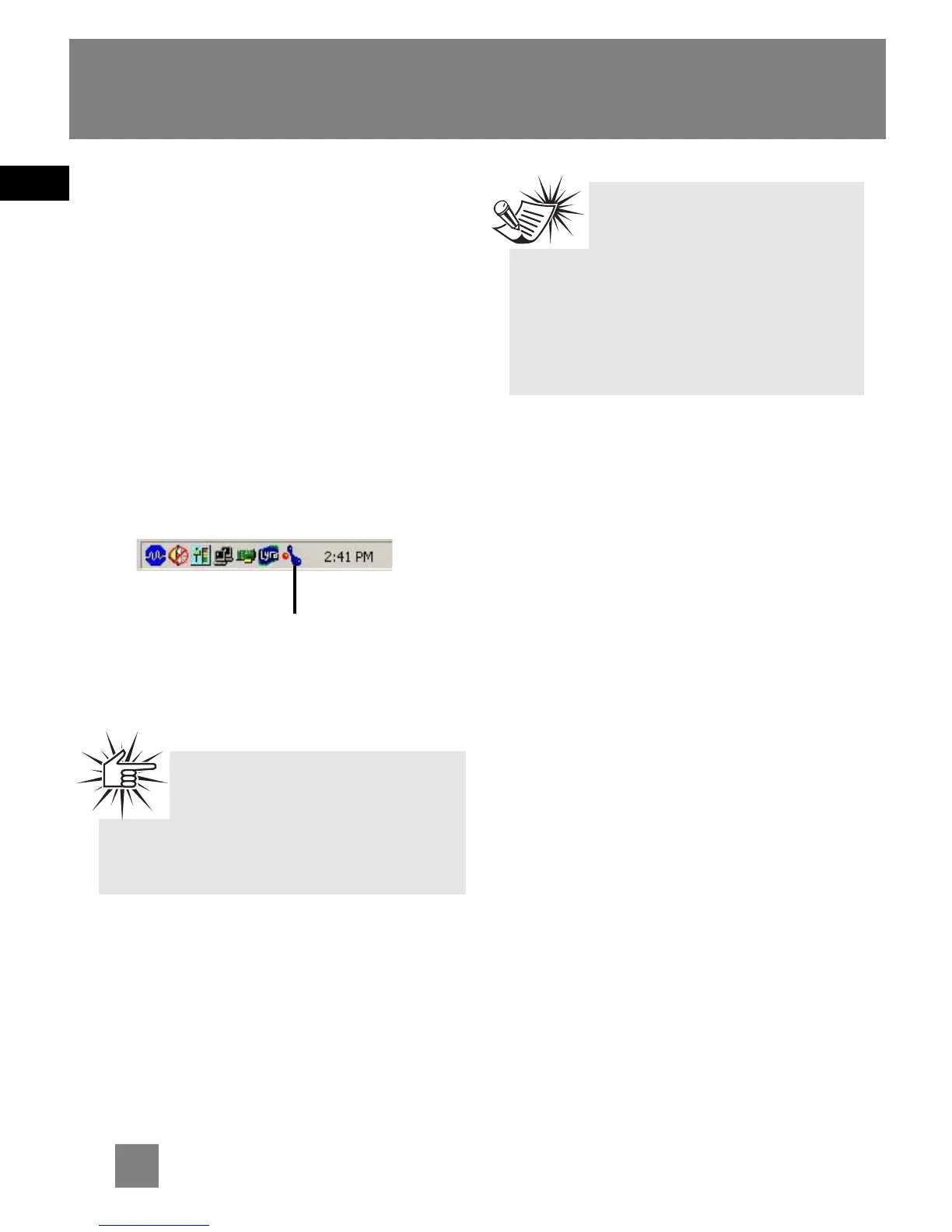
MusicMatch icon in your system
tray or on your desktop).
EN
6
Transferring Music
Attention
Make sure all data are
transferred to the Digital
Audio Player before unplugging the
USB connection.
The MusicMatch icon found in
your computer’s system tray.
Note
It is recommended to uninstall
any previous installations of
the MusicMatch Jukebox software
before proceeding.
After the uninstall process has been
completed, delete the MusicMatch
folder found under C:\Program Files.


 To Next Page