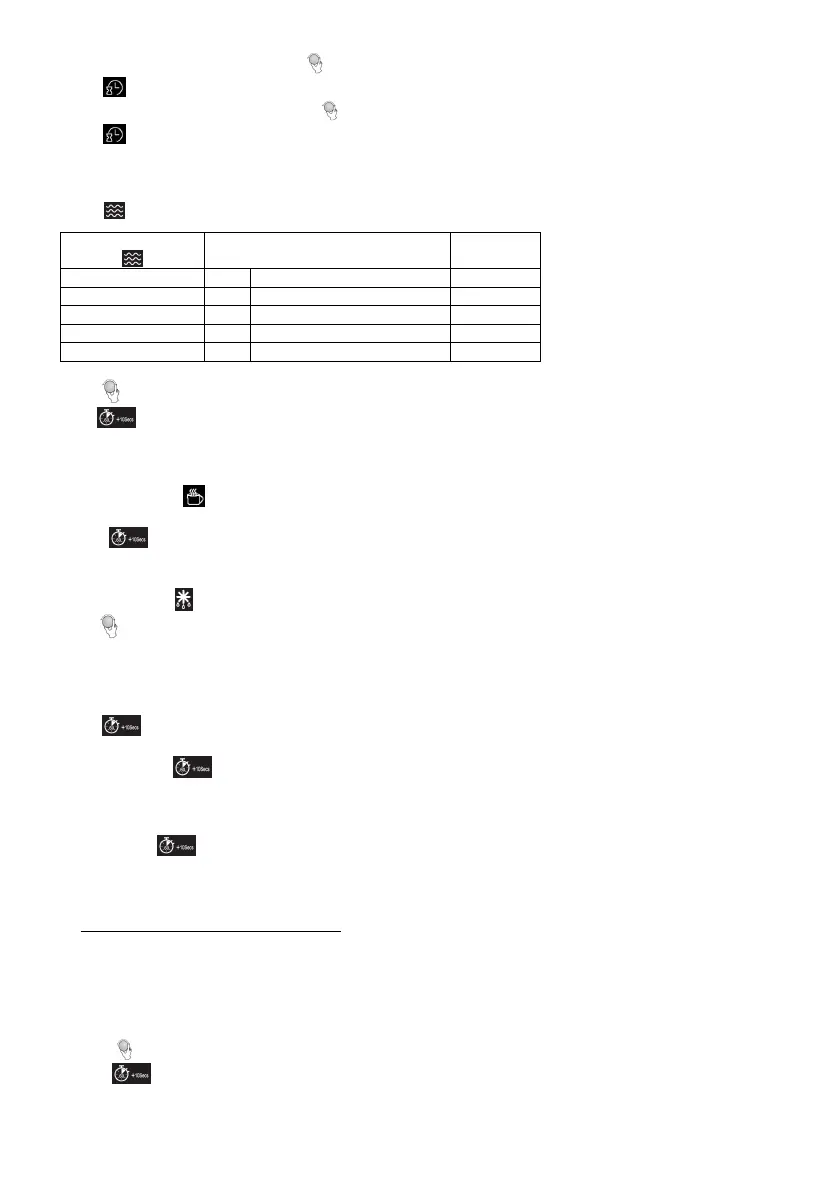
2. While the hour digits are flashing, turn to adjust the hour digits, the input hour should be a 24-hour time value.
3. Press to confirm. The minute digits will flash.
4. While the minute digits are flashing, turn to adjust the minute digits.
5. Press to confirm the setting. “:” will flash on the display.
Microwave Cooking
The longest cooking time is 60 minutes. Suppose you want to cook for 1 minute at 60% of microwave power.
1. Press three times.
Display
Power
4 times 40 M.L
(Medium low power) 40%
2. Turn to 1:00.
3. Press .
Express
This function allows you to heat liquids easily. Choose the proper time depending the volume of the liquid.
1. Repeatedly press
to select the desired cooking time.
0:30 – 30 seconds 1:00 – 1 minute 1:30 – 1 minute and 30 seconds
2. Press .
Defrosting Food
1. Repeatedly press to select a desired mode among d.1, d.2 and d.3.
2. Turn to set the defrost weight.
• d.1: for defrosting meat, the weight ranges from 0.1 to 2.0 kg.
• d.2: for defrosting poultry, the weight ranges from 0.2 to 3.0 kg.
• d.3: for defrosting seafood, the weight ranges from 0.1 to 0.9 kg.
3. Press .
NOTE: During defrosting, the system will beep to remind you of turning over the food. After turning over the food, close
the door and press to resume.
Quick Start
The oven will operate at high microwave power for quick start cooking program.
To do this, press in quick secession to set cooking time, the oven will start immediately at full power. The longest
cooking time is 60 minutes.
NOTE: The cooking time can be increased in the following increments:
5 – 10 min: 30 seconds
Auto Cook Menu
For the food in the following table, it is not necessary to program the cooking power and time.
1. Turn to select the desired menu from the below table.
2. Press .


 To Next Page