Chapter Two : Button
Import - import profiles
Export - export profiles
About - software info
Close - Close this software
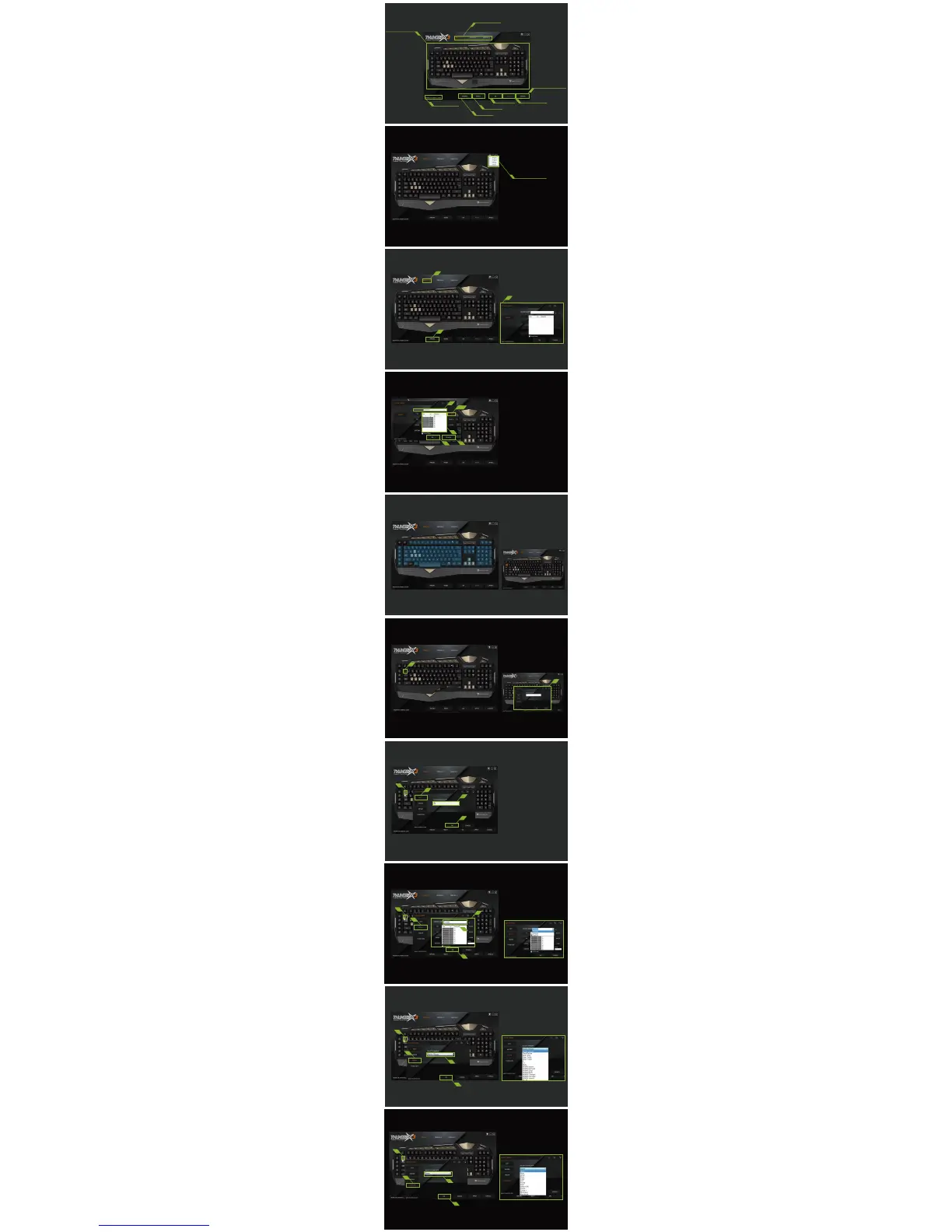
Function: Recording a Macro
1. Select from one of the three profiles
2. Click “MACRO”
3. “KEY SETTING” window appears
4. Name the new Macro
5. Click ”RECORD”to start recording
6. Click “RECORD” again to stop recording
7. Key strokes recorded will appear in this field.
Click “TOP”,“UP”,“DOWN”,“BOTTOM”
to rearrange the key strokes (if necessary).
8. Click “OK” to confirm
9. Cancel this recording
Keys in the blue area are the keys
that can be assigned to:
1. act as another key, or
2. record and execute a Macro, or
3. perform a media function, or
4. execute a command
Reassigned key/s will become orange in color.
1. Click on a key to be reassigned
2. “KEY SETTINGS” window appears
with four ways of configurations.
Configuration 2 - MACRO
1. Select a key to be reassigned
2. Select MACRO
3. Refer to Function: Recording a Macro
4. or choose from other MACRO previously set.
(See example below)
5. Click “OK”to confirm
Configuration 3 - MEDIA
1. Select a key to be reassigned
2. Select MEDIA
3. Select from a list of actions
(See example below)
4. Click “OK”to confirm
Configuration 4 - FUNCTION
1. Select a key to be reassigned
2. Select FUNCTION
3. Select from a list of actions
(See example below)
4. Click “OK”to confirm
Configuration 1 - KEY
1. Select a key to be reassigned
2. Select KEY
3. Type in a key of your choice
4. Click “OK”to confirm
Chapter One : Interface
Macro
Reset
Apply
Prole Selection
Save up to 3 proles
Information Window
Displays current
settings on this keyboard
ThunderX3 Website
Hyperlink to ofcial
website
Conrmation of change
Close the software
Cancel the current setting
Reset proles
Record Macro
1
2
Ok
Cancel
Pull-down Menu
3
4
5/6
7
8
1
2
3
4
2
3
5
1
4
2
4
1
3
2
4
1
3
9
2
1



 To Previous Page
 Loading...