52
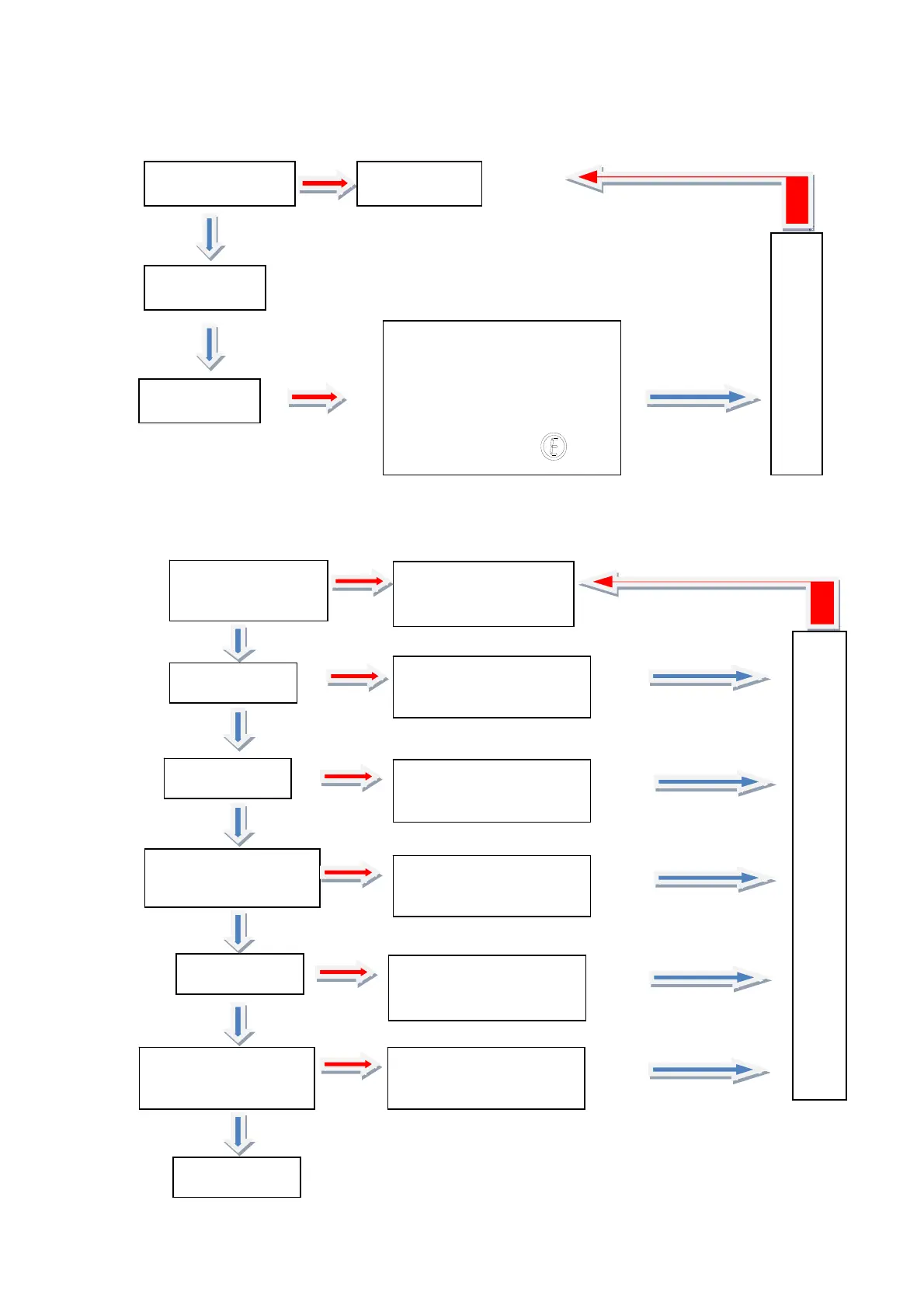
4. Setting automatic startup after power restoration:
5. IDU address query and setting:
Press "Function"
twice
Display the
function No. 2
Press "OK"
Press
"
"
The icon of automatic startup
after power restoration is
displayed when this function
is enabled/disabled to the
corresponding IDU:
Press "Function"
Press "Function"
for three times
Display the function
No. 3
Press "OK"
Press "OK"
Numeral in the tens
position of IDU flashes
Display the current IDU
No. of the unit
Press "Temperature
Up/Down"
Modify the tens digit of
IDU No.
Press "OK"
Numeral in the ones
position of IDU flashes
Press "Temperature
Up/Down"
Modify the ones
position of IDU No.
Press "OK"
Press "Function"



 To Next Page