Scanner
Data stored In
Scanner
Red
Data memory full
Red Flashing
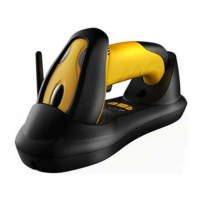
Cradle Indicator
Light Meaning
Right (Green)
Flashing: identifying interface
On: interface if identified
Middle (Red)
Flashing: Receiving barcode data
On: Data is sending to PC
Left (Green)
Reserve
Cradle Button
Button Position
(mark)
Function
Channel
Decrease
Right
Button (-)
Set channel decrease
Channel
increase
Middle (P) Press for 4second to pair a
scanner with a cradle.
Channel
increase
Left
Button (+)
Set channel increase
Common Settings
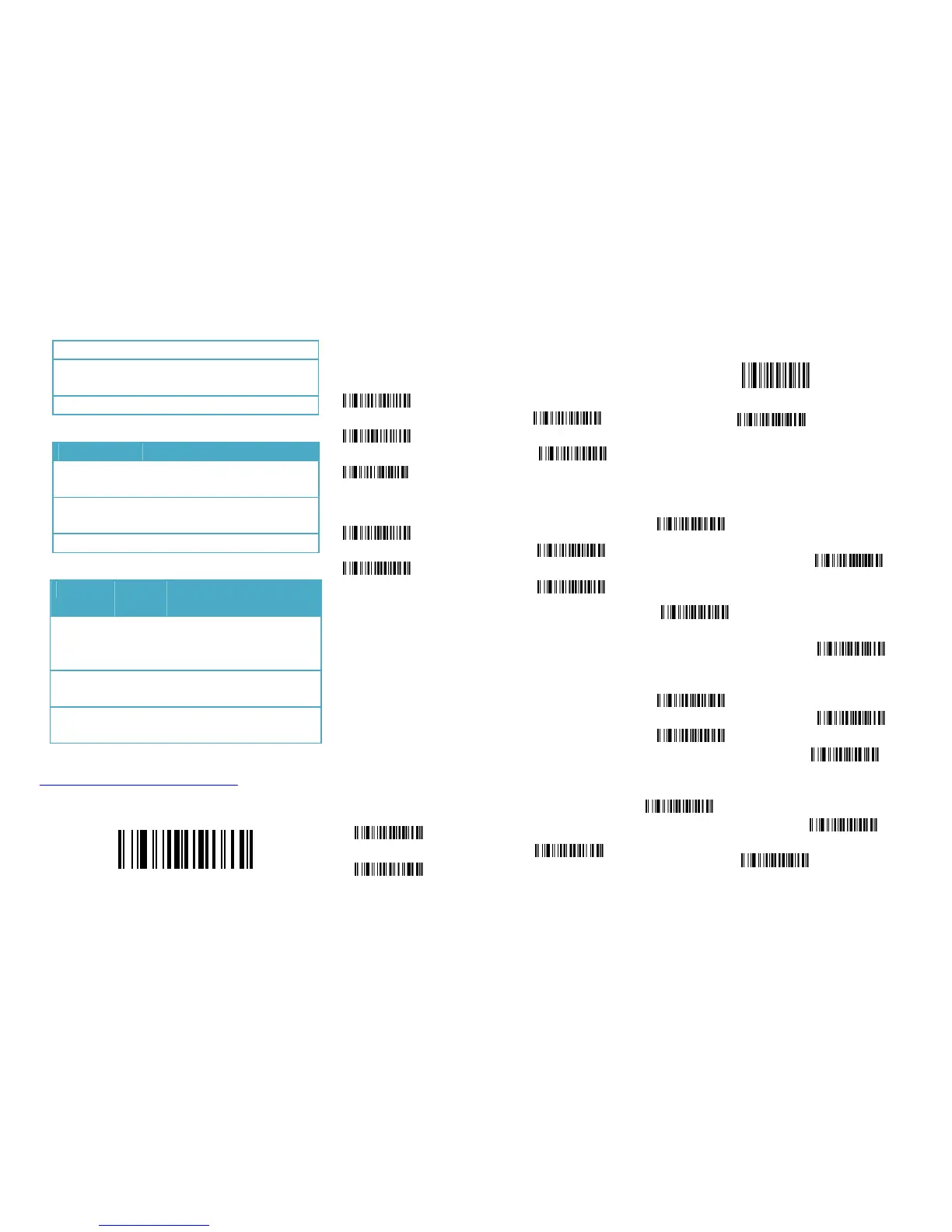
Set Defaults
Set Defaults
Information inquire
Fire Ware Version
Scanner Serial No Check
Cradle Serial No
Battery inquire
Channel &scanner ID
Suffix Quick Setup
CR(default)
LF
CR+LF
None
RF Transfer Mode
No-store Mode: The scanner transmits every scanned barcode to
cradle. If transmitted
unsuccessfully (e.g. beyond communication
distance or cradle does not connect PC), the barcode data will be
ignored and the issued a “beep beep beep” sound.
Auto-store Mode: The scanner starts storing barcode data when it
loses its connection to a cradle (e.g. a user holding the scanner walks
out of range).Data transmission is triggered by reestablishing the
connection with cradle.(like when a user holding the scanner walks
back into range)
Manual Transmission mode: Data transmission is triggered by
scanning”Start transfer Bar code data”
Auto-Store Mode (Default)
NO-Store Mode
Manual Transmission Mode
Start transfer Bar Code Data (for Manual Transmission Mode)
Clear the Barcode Data in Scanner
Insert The Scanner ID before Barcode
Insert the scanner ID before barcode in order to identify the barcode
is scan by which scanner when there are more than one scanner
communicate with the same cradle.
Insert ID before Barcode
Do not insert ID before Barcode
(default)
Code name transmission
Transmit
Do Not Transmit
(Default)
Volume of beeper
High(Default)
Middle
Low
Mute
Prefix
Transmit Prefix
Do not Transmit Prefix (Default)
Scan Prefix(0~16 Chars, 2Digits/Char; 00~FF; 00*)


 To Next Page
 Loading...