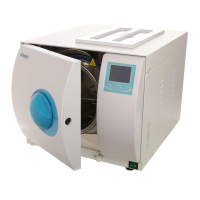
1. Press the START button before Power on.
Then holding the button for about 30 seconds
until you heard a sound of di di
2. The pressure display will show .1
3. Press the SOLID button to adjust to 1 as
the picture. WRAPPED button for minus.
4. Press START button after set the data.
Then power off.
Altitude set for 12/16-A
Replace the control panel by the standard panel. Then the step is the same as the 16-A.
Altitude set for 08-A
11
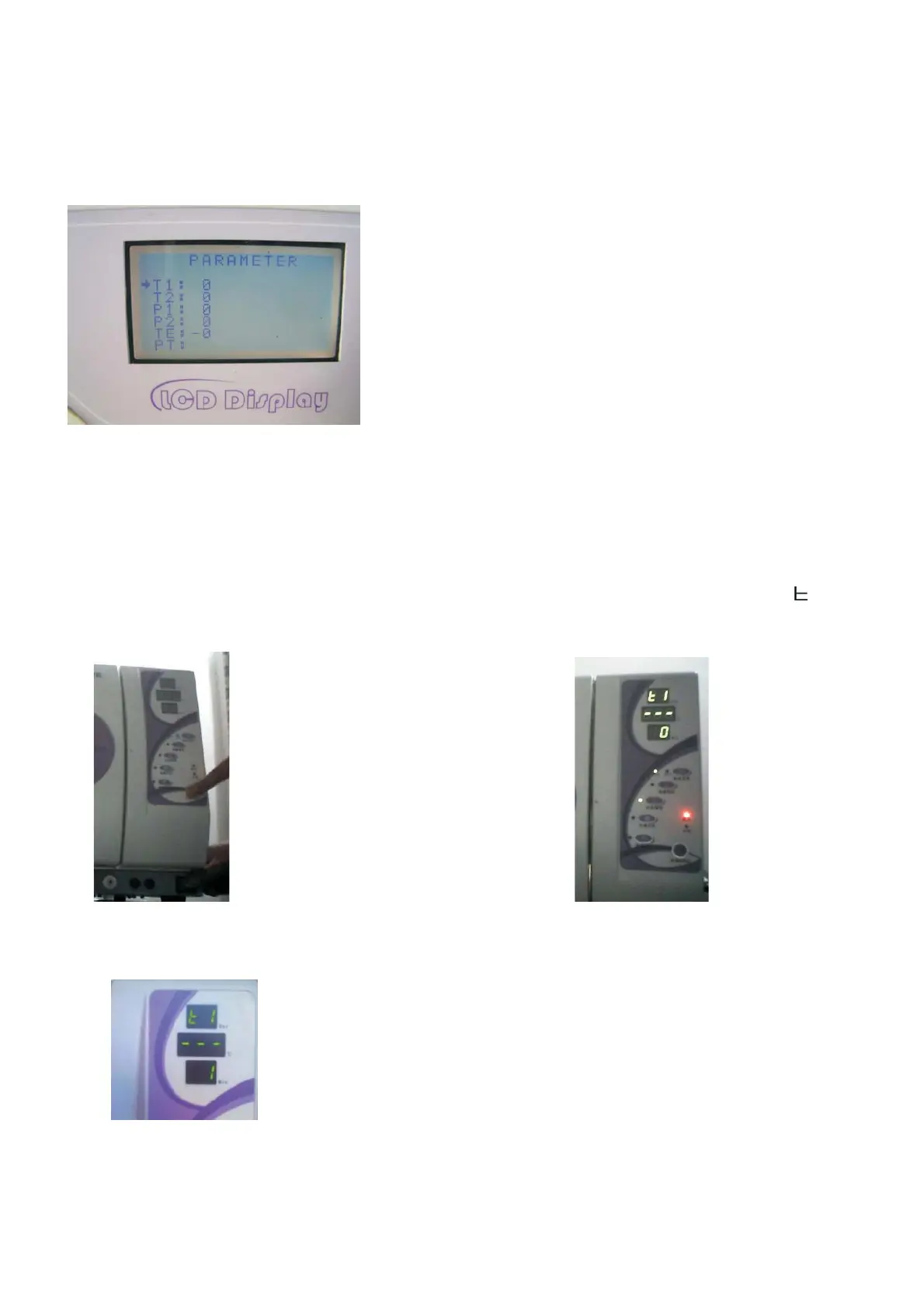
Altitude set
1. Holding th SET button until you enter the menu. Release the button.
2. Select T1 by press the SELECT button.
3. Adjust T1 to 1 or 2(base on the altitude of the location) by UP DOWN button.
4. Press START to exit .
Altitude set for 18/23-A
Caution:T2,P1,P2, TE should be 0


 To Next Page
 Loading...