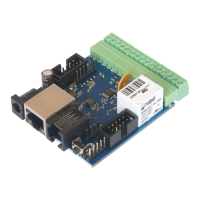
Control / Scheduler
Scheduler is a list of tasks to be performed within a specied time, or periodically at certain
days and times.
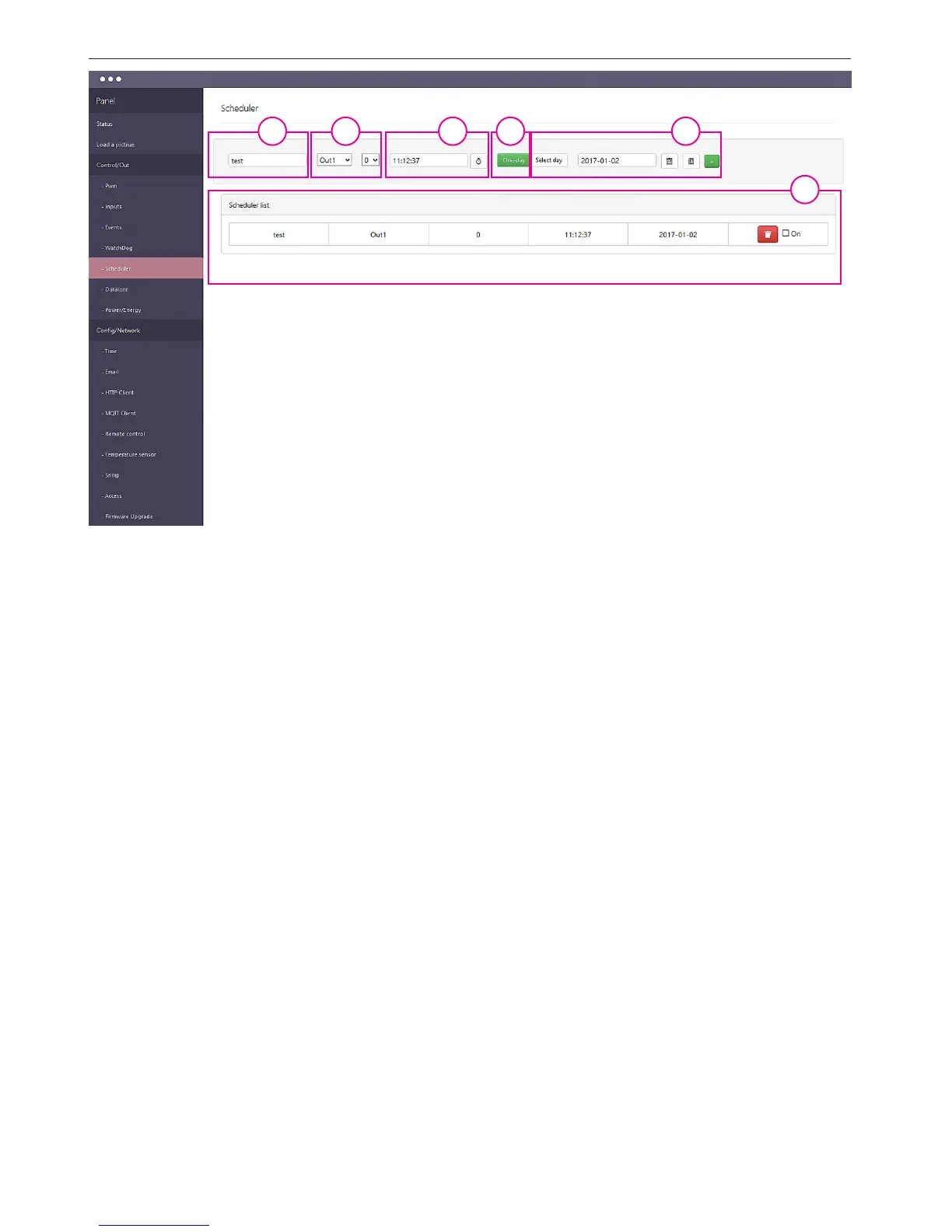
1. In this eld, enter the name of the event.
2. From the selection menu, select the output which is to be action and select the desired
logical value "0" or "1".
3. In this eld you specify the exact time of the event.
4. Select "One day" for a single event - then we can select a date from the calendar,
5. Or choose "Select day" and then select from the menu the last days of the week when
they have followed cyclical event. At the end of the + key add the selected event to the list.
6. In the panel "Scheduler list" we have a set of events that can be removed, for example, in
the case of error, or add a checkbox to perform "On".
1 3 542
6


 To Next Page
 Loading...