EasyManua.ls Logo

TKSTAR lekemi TK905 - Chapter 3 - Mobile App Tracking; Mobile App Installation and Login

TKSTAR lekemi TK905
69 pages
Print Icon
To Next Page IconTo Next Page
To Previous Page IconTo Previous Page
Loading...
Setup GPS upload interval
upload123456(space)15
upload123456 15
upload ok
Restore factory settings
begin123456
begin123456
begin ok
Setup over-speed alarm
speed123456(space)080(km/h)
speed123456 080
speed ok
Cancel over-speed alarm
nospeed123456
nospeed123456
nospeed ok
Vibration alarm ON
shock123456
shock123456
shock ok
Vibration alarm OFF
noshock123456
noshock123456
noshock ok
Reset to factory settings
reset123456
Reset123456
Reset ok
Chapter 3 - Mobile APP tracking
Step 1: Download and install the for Android/iOS
On Android:
Search TKSTAR GPS in the Google Play Store
On Apple iOS:
Search TKSTAR GPS in the Apple APP Store
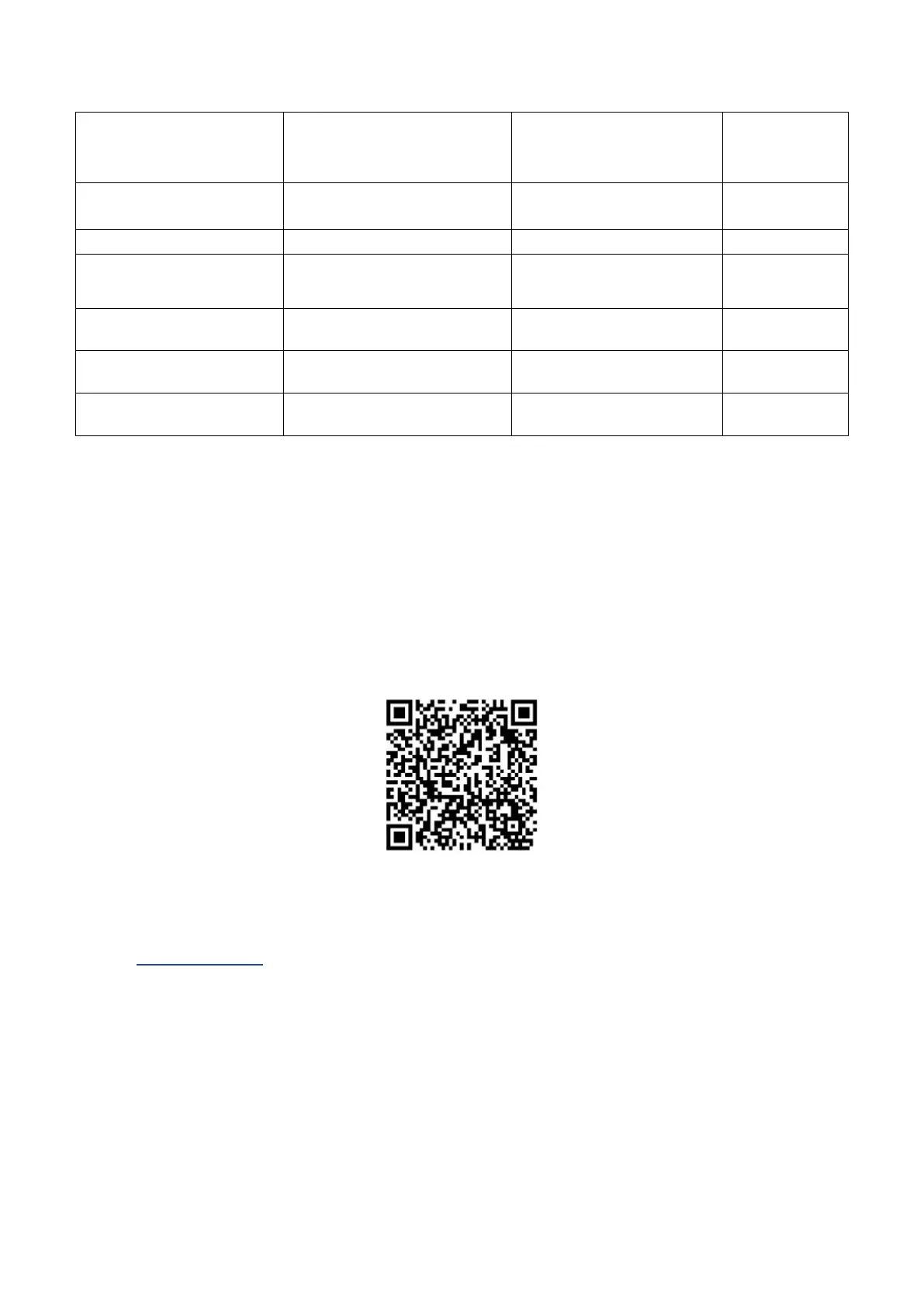
Or you can Scan the QR Code below to install the applications on your cell phone.
Step 2. Log in the app
After download and installed the APP, input the below information for login,
Select Log in by IMEI/ID on the bottom of login screen
Server: www.mytkstar.net
ID: can be found on the back side of device
Password: 123456


Related product manuals