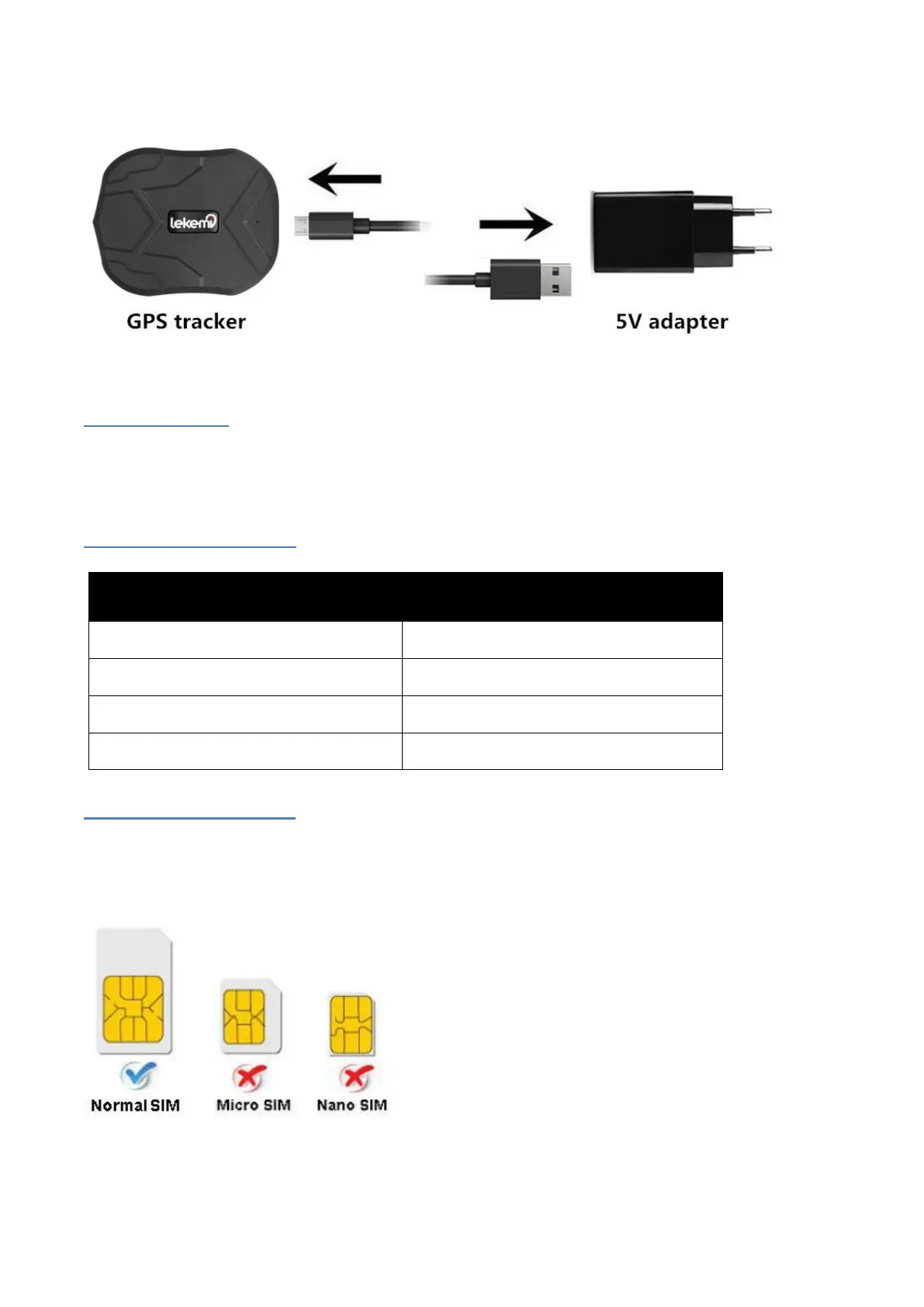
Note: We don
’
t supply the 5V power adapter, user can use cell phone
’
s adapter.
Power On/Off
TK905 does not have power button. Insert the SIM card to turn the device on, and take out the SIM card to
turn it off.
Indicator light status
SIM card installation
Only GSM SIM card works in this device, and only normal SIM card in below can work with the
device.
Open the rubber cover, insert the SIM card into the slot. (For the direction of SIM card installation, please
follow the icon on rubber cover or the shell)



 To Next Page