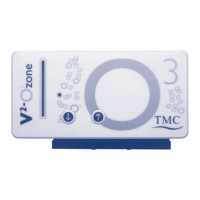
6. Now press only the arrow up key until you reach the desired
number of LEDs indicating the ozone on time in hours you
require. While holding down the up arrow key press the down
key. This will save the programmed time period and take you
back to operating mode.
7. You can now continuously check the ozone concentration and
time period that has been programmed.
Guide for Programming your V
2
Ozone Generator’s
Ozone Concentration and On-Time Period
Below are some suggested settings for different marine aquarium water volumes
with the average mg of ozone per litre per hour over a 24 hour period. When
your water volume is different from those volumes shown in the table below, use
the settings nearest the water volume in your aquarium system.
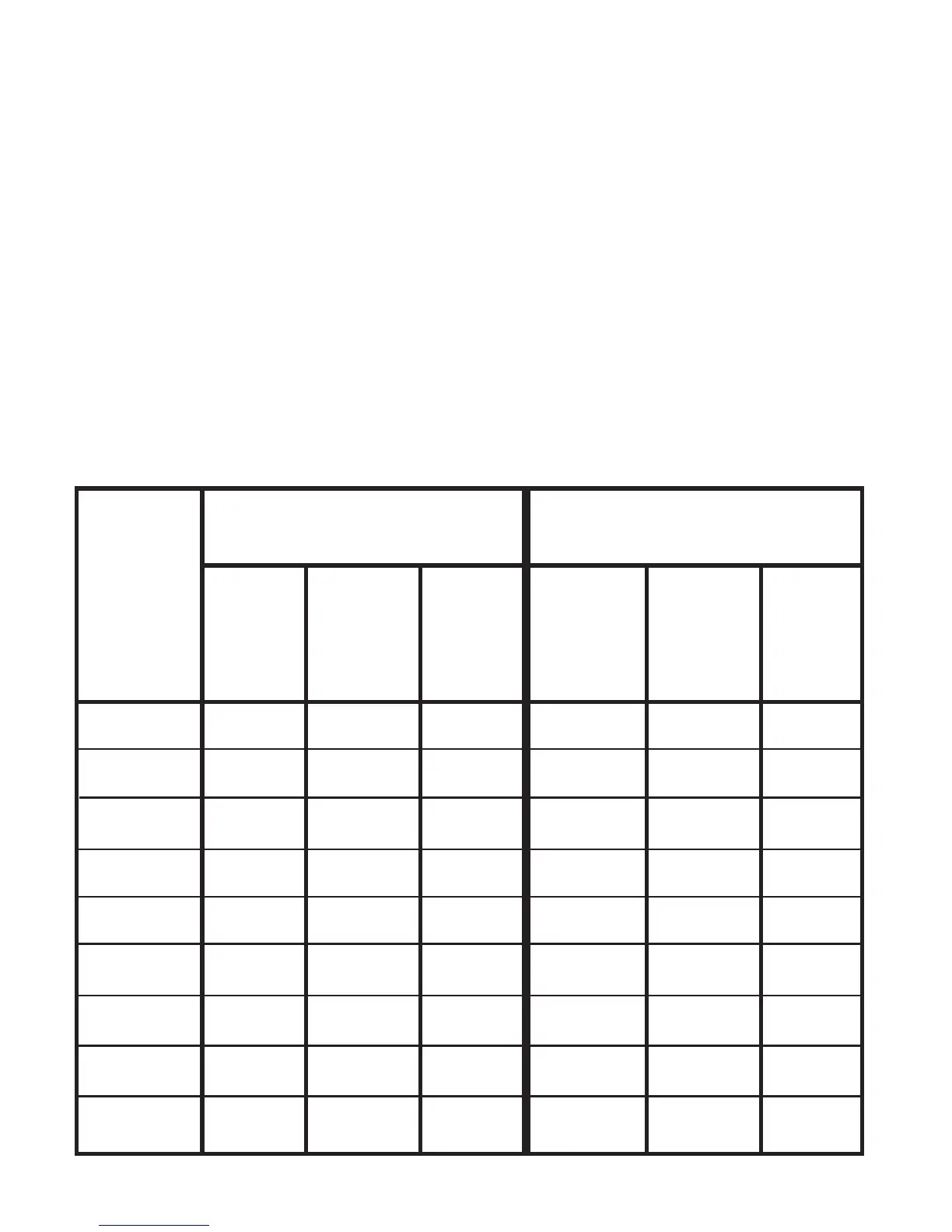
MARINE Start up Settings Settings after 2 Weeks
Water
Volume O
3
Time mg/L/H O
3
Time mg/L/H
(litres)
50 1 LED 1 LED 0.041 1 LED 2 LEDs 0.083
100 1 LED 2 LEDs 0.041 1 LED 4 LEDs 0.083
250 1 LED 5 LEDs 0.041 1 LEDs 10 LEDs 0.083
500 1 LEDs 10 LEDs 0.041 2 LEDs 10 LEDs 0.083
750 2 LEDs 8 LEDs 0.044 3 LEDs 10 LEDs 0.083
1000 2 LEDs 10 LEDs 0.041 4 LEDs 10 LEDs 0.083
1500 3 LEDs 10 LEDs 0.041 6 LEDs 10 LEDs 0.083
2000 4 LEDs 10 LEDs 0.041 8 LEDs 10 LEDs 0.083
2500 5 LEDs 10 LEDs 0.041 10 LEDs 10 LEDs 0.083
7


 To Next Page
 Loading...