Injection Molding Machine Chapter 4
V3.0
4-33
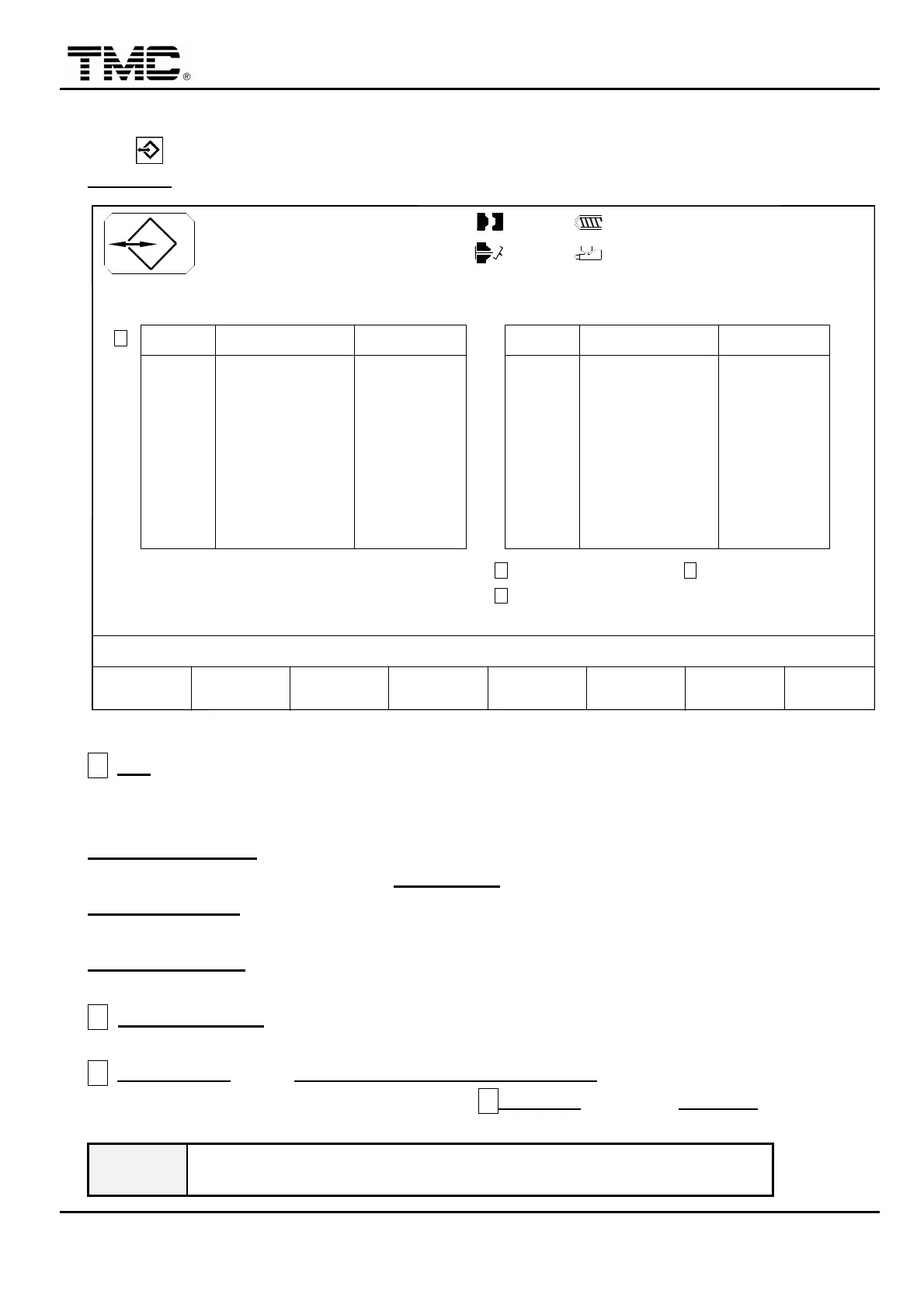
2.16 Mold memory save
Press hot key or use the direction key to move the cursor in main menu screen to
MEMORY
,
press ENTER to display this screen.
V1: 0/ 0 0/ 0V2:
0/ 0P1: 0/ 0 P2:100.0mm
50.0mm110.0mm
1.0mm
ACTION STATUS
M:
03D05M07Y
10h25m10s
20°C3W
F2F1 F3 F4 F5 F6 F7 F8
MODEMENU
07
MAIN
-TENANCE
NO. :
CURSOR MOULD MOULD
MOLD NAME DATE
01 TM5-001 01/17/02
TM5-00202 01/17/02
TM5-00303 01/17/02
TM5-00404 01/17/02
TM5-00505 01/17/02
TM5-00606 01/17/02
TM5-00707 01/17/02
TM5-00808 01/17/02
TM5-00909 01/17/02
TO MOULD NO. : 30
TM5-018
TM5-017
TM5-016
TM5-015
TM5-014
TM5-013
TM5-012
TM5-011
MOLD NAME
TM5-010
17
18
14
15
16
12
13
11
10
NO. :
01/17/02
01/17/02
DATE
01/17/02
01/17/02
01/17/02
01/17/02
01/17/02
01/17/02
01/17/02
PAGE UP PAGE DOWN
A
GATE:
COPY FROM 0 TO 0 TARGET 0
SAVE . . . LOAD . . . COPY . . .
B
C
D
Screen 4-19
A
NO.
:
1~100 are stored in internal memory on CPU board.
101~200 are stored in memory card.(USB disk)
*New USB file operations refer to
Appendix D.
F4 CURSOR MODE
:
Upon on
,
cursor can be moved for input of mold name with letter key.
Upon OFF
,
cursor can be moved to
MOULD NO.
then press ENTER.
F5 MOULD SAVE
:
Writing data into mould memory card. It could write while the machine is
running.
F6 MOULD LOAD
:
Reading data from mould memory card. Please switch the machine to
manual mode
,
and turn the PUMP OFF
,
HEATRE OFF
.
B
TO MOULD NO.
:
Set cursor off
,
input mould number and press enter to go to the
specified mould number position directly.
C COPY FROM
:If set COPY FROM 51 to 60 TARGET 151,means mould data stored in
position 51~60 will be copied to 151~160,set DGATE=65 then press F7 COPY.
WARNING
When inserting/removing the memory card,be sure to turn main
power off lest the data in the memory card will be corrupted.
BILL
2010/05/04


 To Next Page
 Loading...