Injection Molding Machine Chapter 4
V3.0
4-41
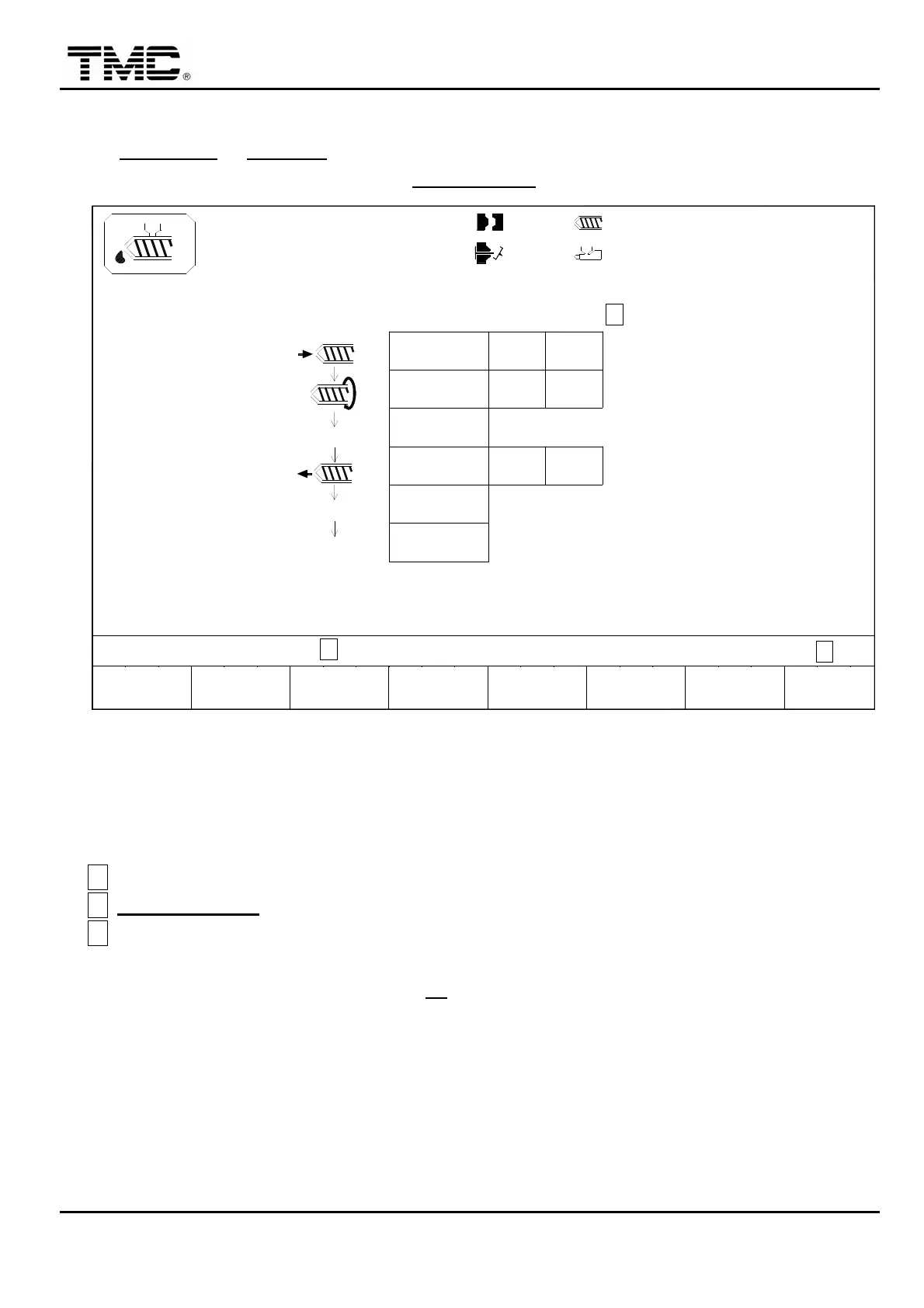
2.21 Automatic purge function
On INJECTION or CHARGE screen press F3 AUTO PURGE
,
or use direction key to move
the cursor on the main menu screen to AUTO PURGE
,
press ENTER to display this screen.
10h25m10s
20°C
INTERVAL T.
03D05M07Y
F2F1
MENU
01
3W
MOLD
SUPPORT
F3 F4
PURGE
AUTO
PROFILE
INJ.
C
F5 F6
CHANGE
LOG
PURGE
ON/OFF
F7 F8EXTERN
I/O
B
100.0mm
50.0mm
PURGE ON/OFF OFF
CYCLE
1.0
10
5
DELAY T.
0.5
10.0
20.0
70 50
50
50 80
80
TIMER/COUNT
1.0mm
P bar
V% A
110.0mm 0/ 0
0/ 0 0/ 0P1: P2:
0/ 0V1: V2:
ACTION STATUS
M:
Screen 4-25
In the end of production or the operator wants to change material
,
this function can be used
to automatic purge residual material from screw barrel.
A
Set proper pressure and speed settings.
B
PURGE ON/OFF
:
Set purge ON/OFF switch to on
,
press F3
,
purge processes start.
C
Upon completion of all procedures
,
machine will stop automatically and purge function
switches off automatically.
During automatic purge operation
,
if F3
is press again
,
automatic purge cycle will stop.
During automatic purge cycle
,
all other operations are inhibited.
If temperature condition is not ready
,
automatic purge is inhibited.
Automatic purge is only functional under manual mode.


 To Next Page
 Loading...