Injection Molding Machine Chapter 4
V3.0
4-50
2.26 Molding Support
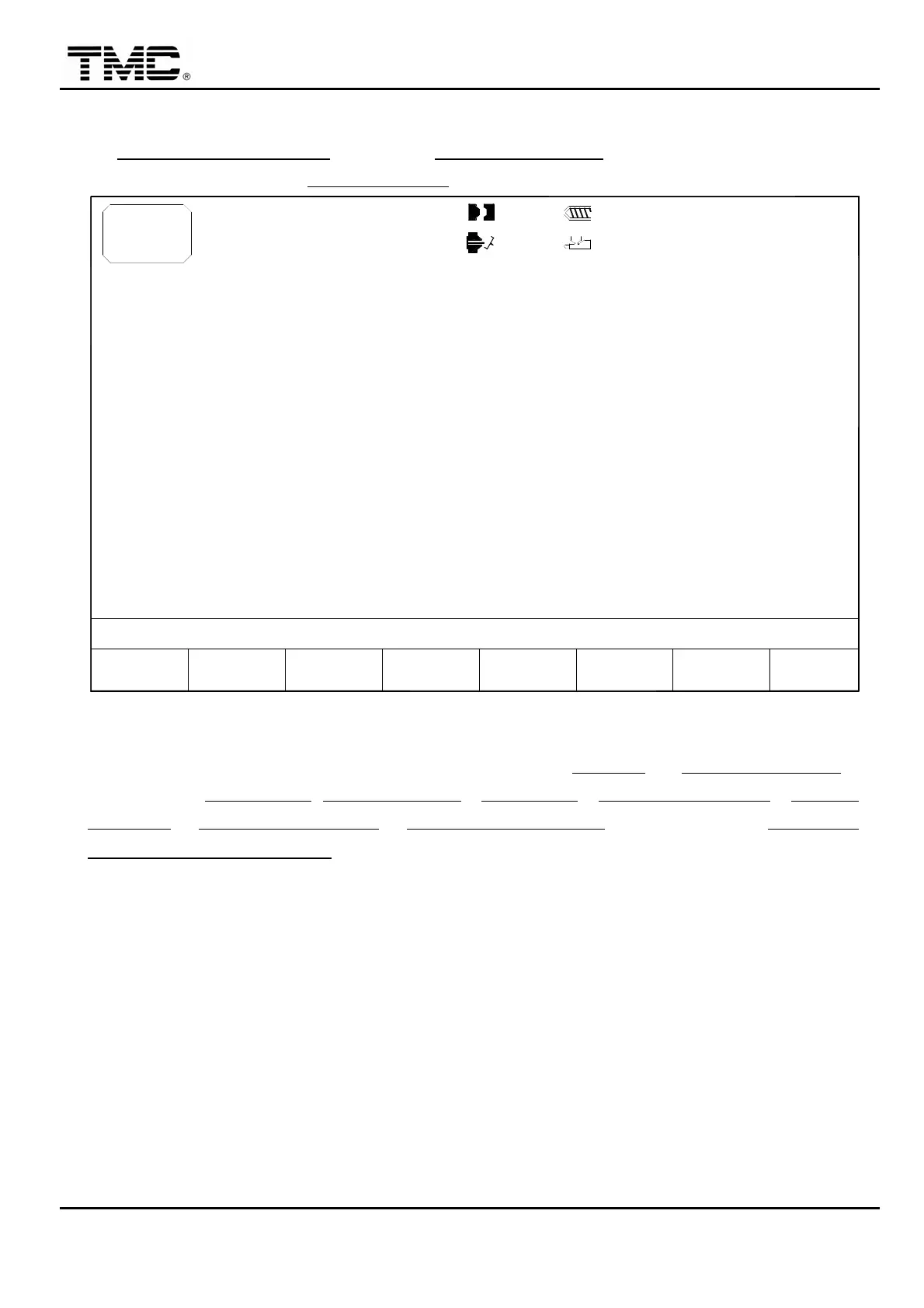
On MACHINE MONITORING screen press F6 MOLD SUPPORT or use the direction key to move
the cursor on menu screen to MOLD SUPPORT
,
press ENTER to display this screen.
10h25m10s
20°C
TMC-150
F2F1
MENU
29
EJECT STROKE
EJECT COUNT
MOLD THICKNESS
CLAMPING FORCE
CLAMPING STROKE
MOLD NAME
MOLD NO.
MOLD
SUPP.
10
3W
ALARMF3 F4CLEAR
DATA
F5 F6CHANGE
LOG LOG
MANAG.
PROD.F7 F8
FUNCTION
100.0mm
100.0mm
PRESET CUSHION
PRESET SUCK BACK
HOLDING VOLUME
TRANSFER POSITION
< 80.0> mm
< 4 >
< 250.0> mm
< 150> TON
< 150> mm
AUTO SET
PARTS WEIGHT
MATERIAL
2004-08-10
ACTION STATUS
DATE
MODIFY
M:
14:20:30
SCREW DIM.
RESIN DENSITY
1.0mm
110.0mm
< 5> %5~10%
OFF
< 10.0> mm
< 200> g
< 2>
< 5> mm
0/ 0
0/ 0 0/ 0
< 1.10>
< 45.0> mm
P1: P2:
0/ 0V1: V2:29D08M07Y
Screen 4-33
This screen can assist the operator in setting charge end position CH. END
and P/V TRANS. POINT,
after key in the SCREW DIA.,RESIN DENSITY, MATERIAL, WEIGHT PER MOLD, PRESET
CUSHION, PRESET SUCK BACK, HOLD PRESS VOLUME, then turn ON the SET AUTO
FOR PARAMETER POSITION.


 To Next Page
 Loading...