13
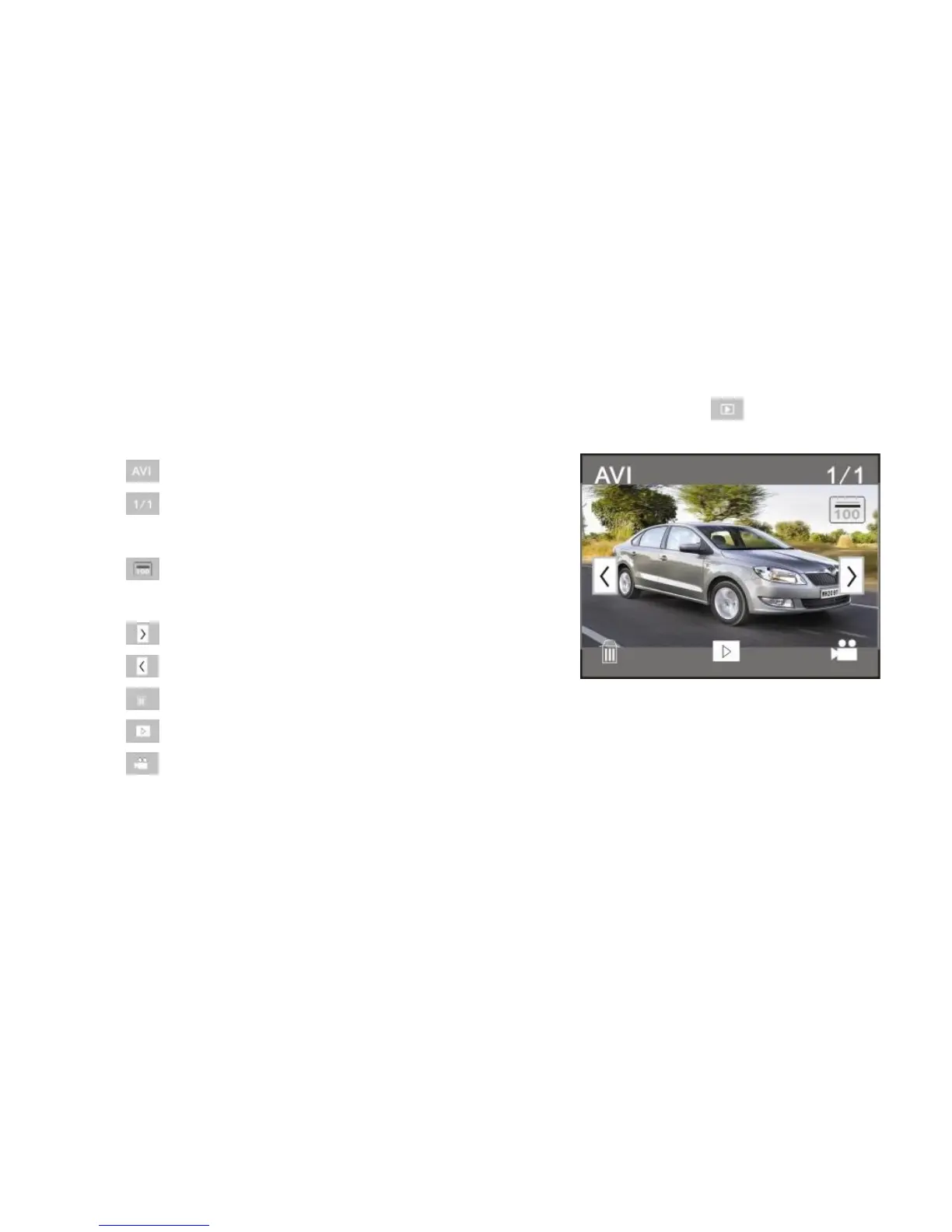
9 Playback mode:
9.1 After starting up and entering the previewing state, click on the playback icon ( ) at the lower right
corner of the LCD to switch to the playback mode:
1 : Means that the current file is an AVI video file.
2 : Means that there is one file in the current folder/
one file in total.
3 : Current folder name (such as: I:\DCIM\100MEDIA
I: is the movable disk of the device).
4 : To see next file.
5 : To see previous file.
6 : To delete current file.
7 : To play the current file.
8 : To switch back to the previous mode.



 To Next Page