7
3. Startup/Shutdown
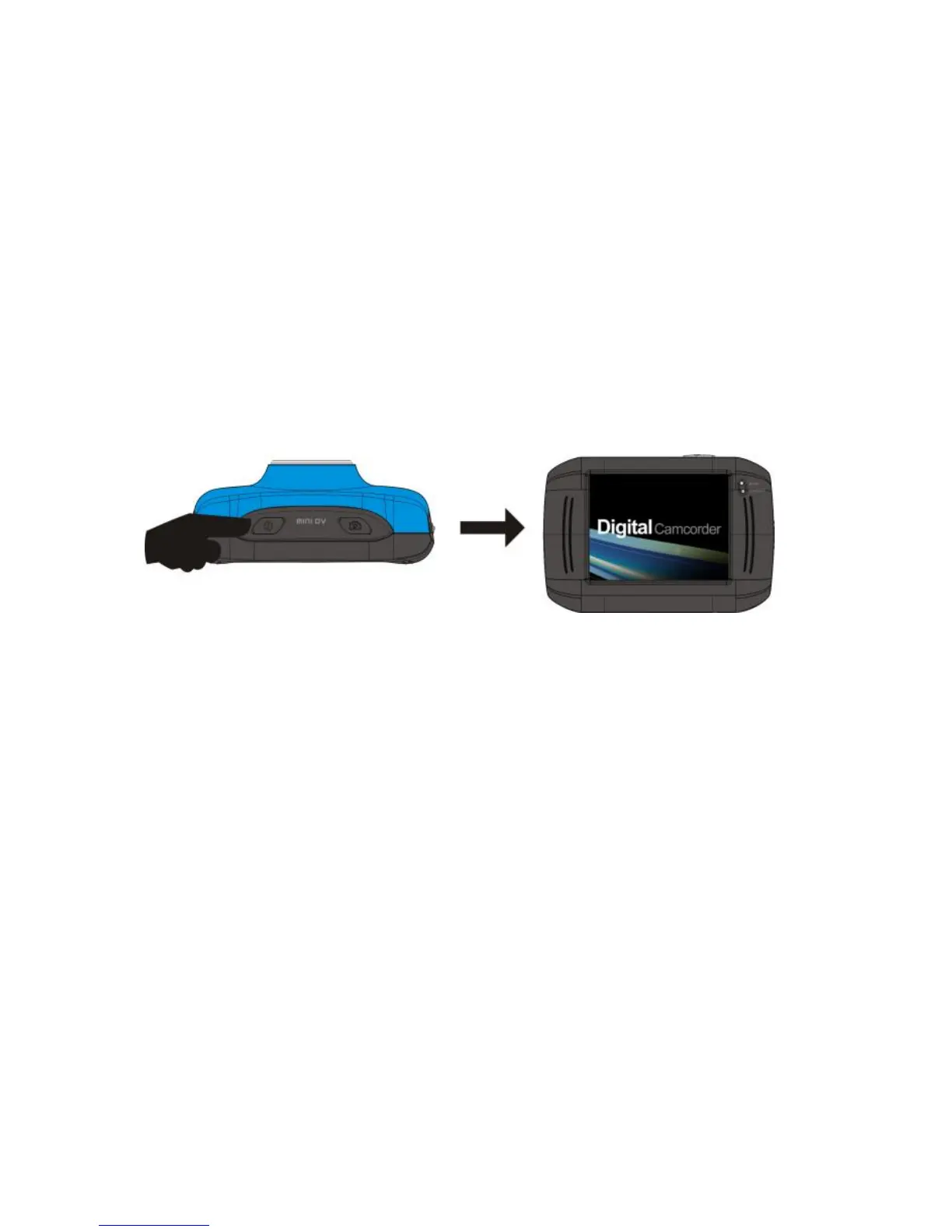
3.1 Startup: press and hold the POWER button for 3 seconds, the screen will be displayed and the camera is on.
3.2 Shutdown: press on the POWER button, and the camera will be shut down.
3.3 Automatic shutdown: when the idle time of your Tokio Active reaches the time for automatic shutdown, it
will be shut down automatically to save power. The defaulted automatic shutdown time of your Tokio
Ative is 5 minutes.
3.4 Shutdown in case of power shortage: when the power of the battery is insufficient, the LCD display screen
will display the low power icon, please charge it in time. When the indicate light turns red and flickering,
your Tokio Active will be shut down automatically.



 To Next Page