Use cold tap water.
It can take up to 10 minutes for the water to filter through into the base of the unit.
Once enough water has filtered through, the tank-empty warning light will go off and your system
is ready to use.
TIP: The select button can be pressed at any time during the cleaning phase to pause the water
pumping through.
PRIMING YOUR FILTER
Only ever handle the filter by holding it by the blue cap.
Remove the filter from packaging.
Remove the sticker from the top of the filter.
Fill a bowl with cold tap water.
Submerge the filter in water and gently agitate until the bubbles stop.
Your filter is now ready to fit into the water hopper.
PRODUCT SETTINGS MENU
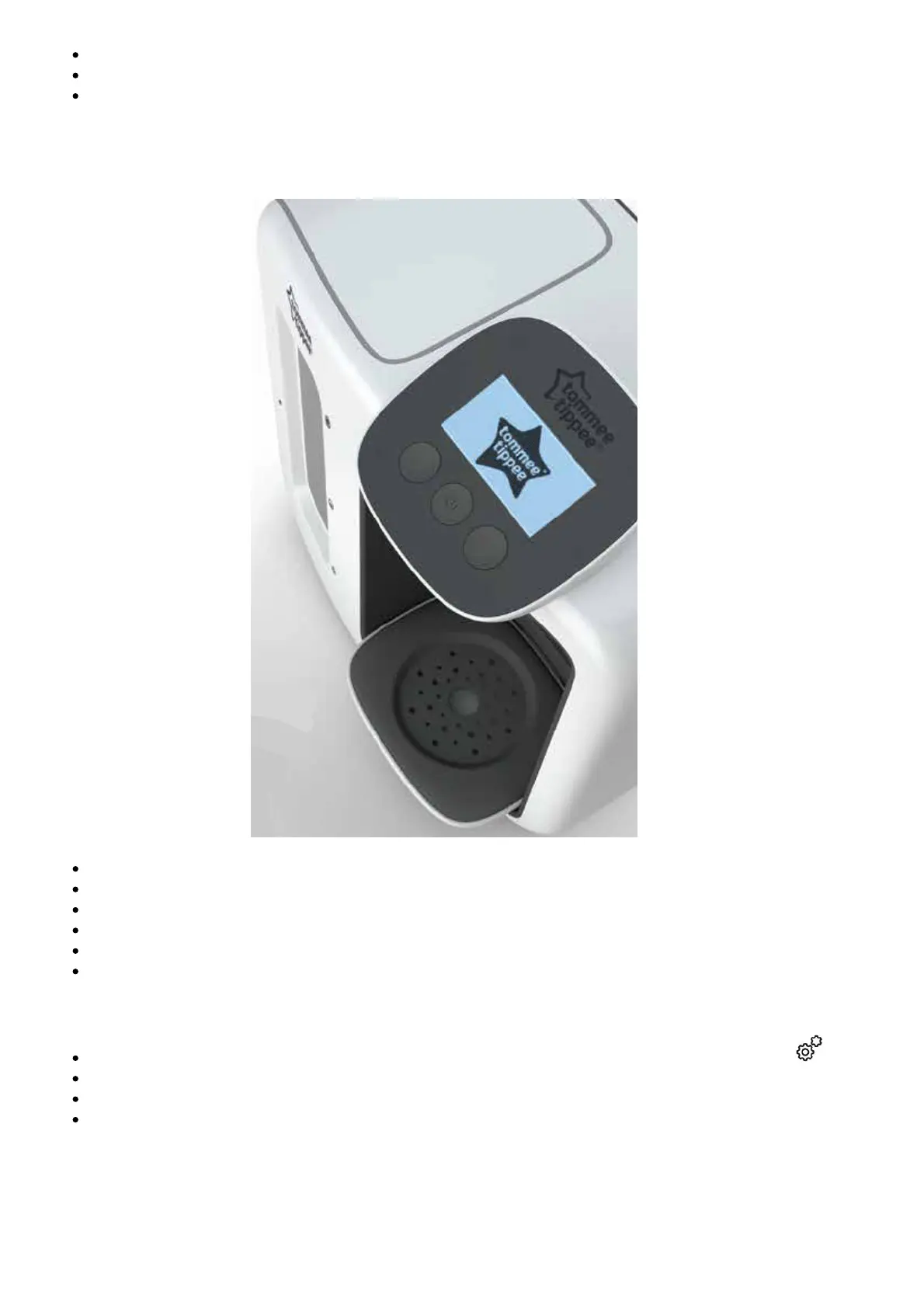
Press and hold the forward button for 3 seconds, then release. This gear icon will appear.
To scroll through the settings use the back and forward buttons.
Press the select button to enter a particular setting.
Settings:


 To Next Page