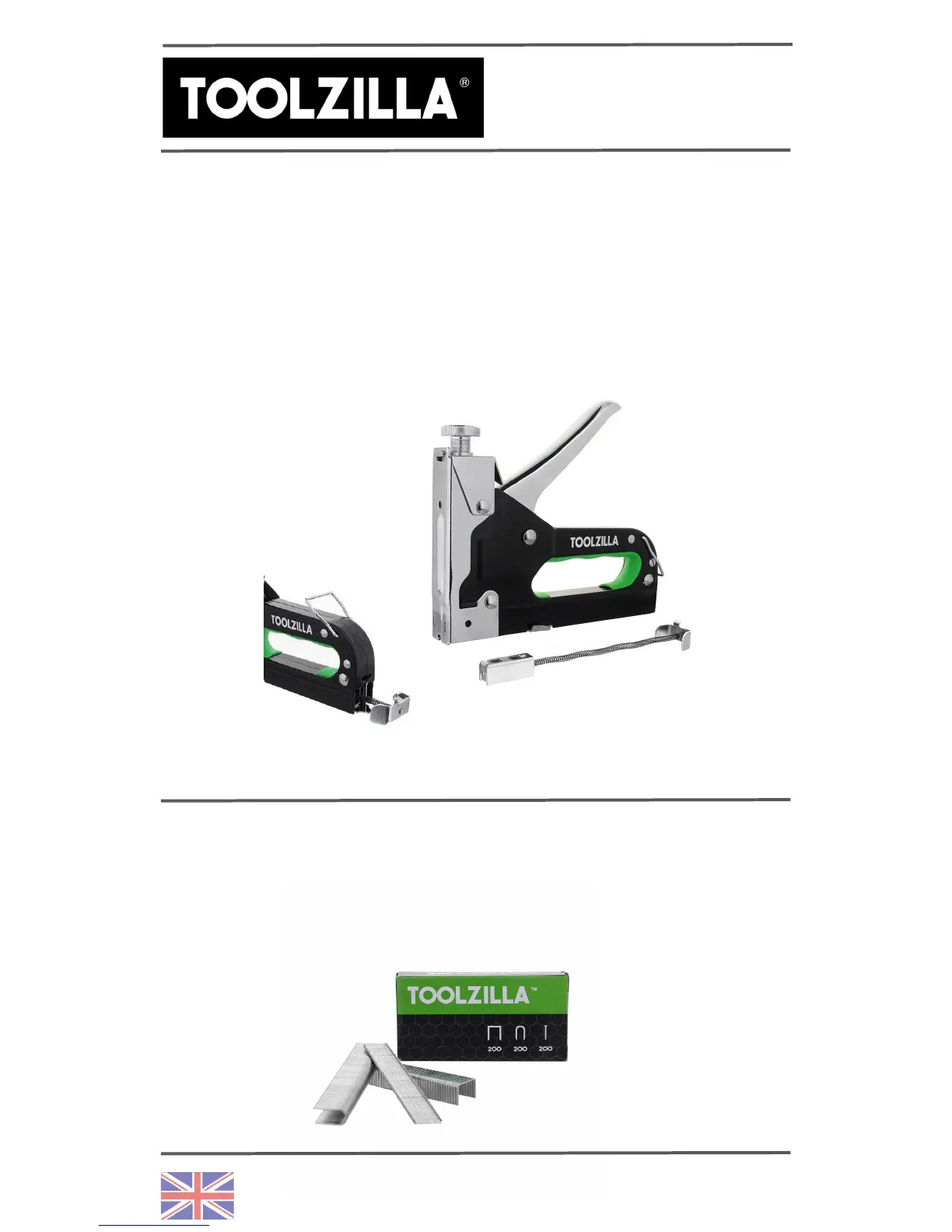
Firstly, release the loading magazine by unclipping the
loading magazine clip, as shown in the image below.
Secondly, pull the loading mechanism open. Thirdly,
position the staples within the channel ensuring legs or nails
are pointing down. Finally, push the magazine closed and
test on a disposable surface or on an inconspicuous area
before applying to task.
Please note: Narrow Crown and U staples should enter the
loading magazine centrally, while brad nails should be
loaded to either the right or left hand side of the loading
chamber.
HOW TO LOAD THE
TZ31PRO
PAGE 2


 To Next Page