2
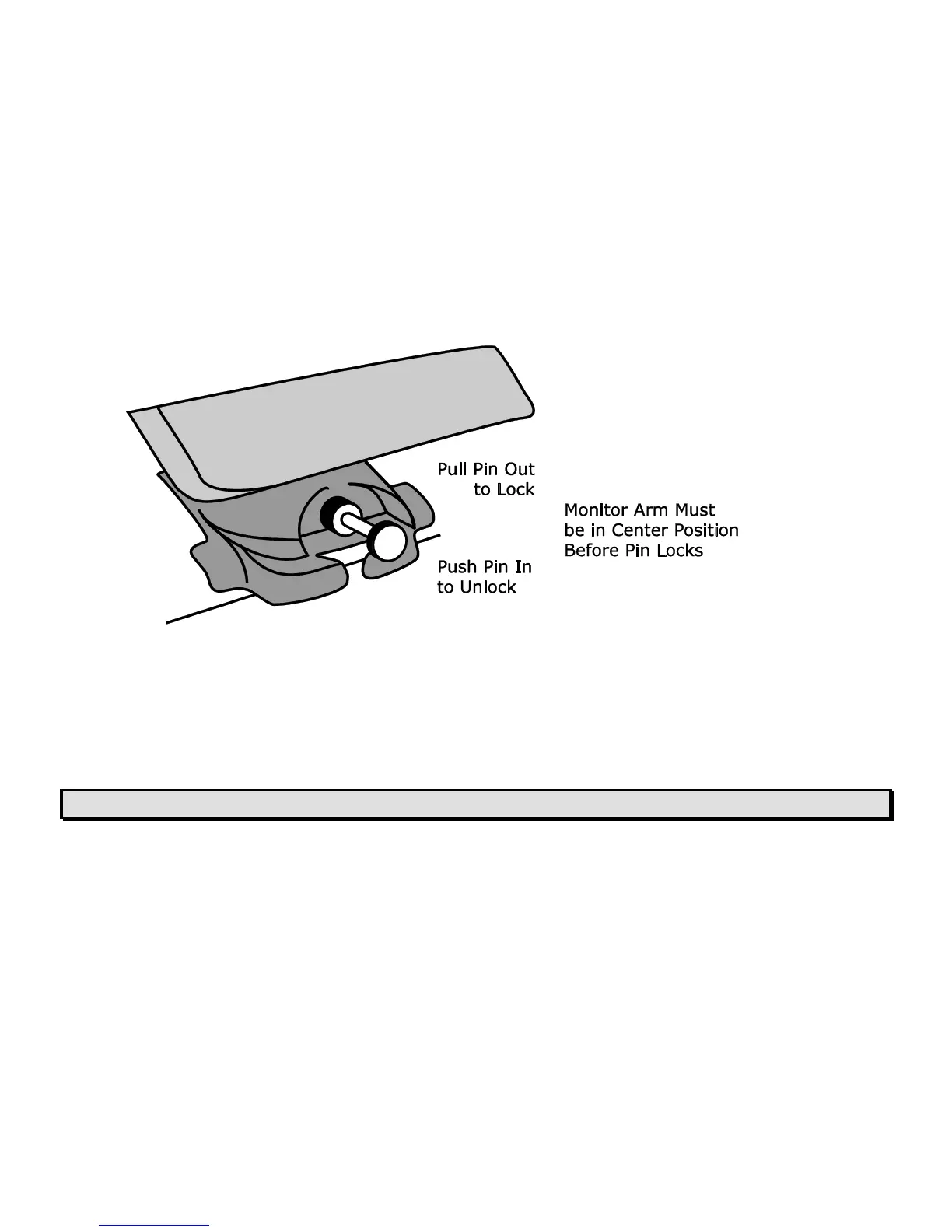
1. Lock the monitor arm to secure and prevent the monitor from moving to the left or right.
2. Lock the XY reading table to stop it from moving by pushing the red brake lock toward
the TOPAZ XL.
3. Lift and transport the TOPAZ XL by the rear post to move it to a sturdy surface such as a
table, desk, or countertop. One suggested method is to wrap your forearm around the rear
post and then lift.
Important: Do NOT lift TOPAZ XL by the LED reading lights.



 To Next Page