EN I 9
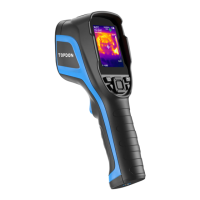
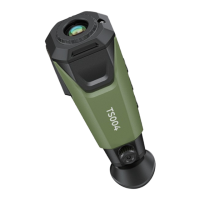
5. Infrared Camera
6. Two LED Flashlights
7. Screw Hole (1 / 4-20 unc)
Mounts the TC004 onto a tripod
Note: You can also choose to automatically save all the
photos taken on your TC004 device. To enable the function,
go to Setting > Photo Setting, and turn on Photo Auto Save.


 To Next Page