EN I 8
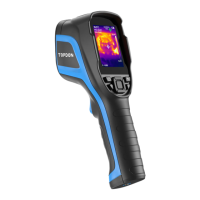
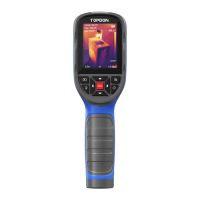
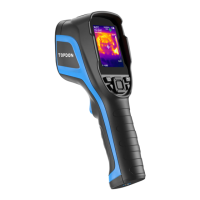
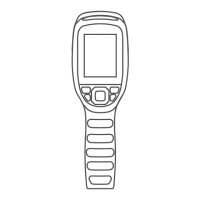
1. Keyboard
2. 2.8-Inch Screen
3. USB Type-C Port & SD Card Slot
Type-C port is used for charging, screen projecting to PC, and le
transfer
4. Camera Button
Short press to take a photo, then short press the OK Button to
save the photo; long press to start recording a video, short press to
stop recording, then short press the OK Button to save the video.
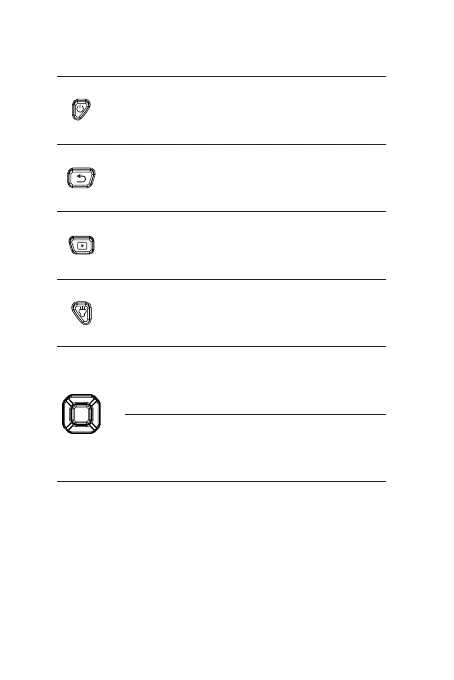
Power Button
Albums Button
Return Button
Flashlight Button
Move Up / Down
/ Left / Right
Buttons
OK Button
Long press to power ON / OFF
Short press to view saved photos
and videos
Short press to return to the
previous page
Long press to turn on / off the
ashlight
Short press to move to the
desired direction
Short press to show the pop-out
navigation menu; short press
again to conrm an action or
message


 To Next Page