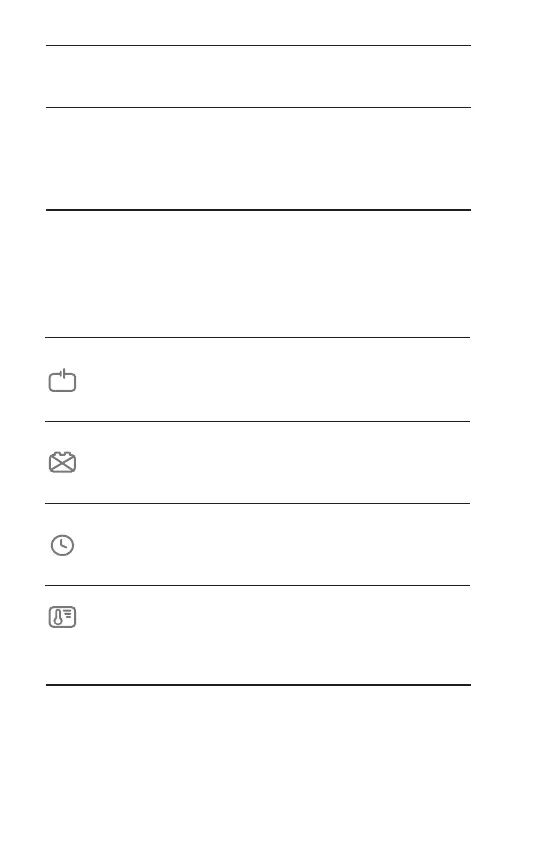
Error
Indicators
Meanings
Suggestions
Check if the clamps are
improperly connected or if
there is a short circuit.
Reverse
connection/short
circuit
Flashes when the SoC is between 50-75%;
Becomes solid when the SoC reaches 75%.
Check if the battery's capacity
is too large, or try charging
again.
75%
Charging overtime
Try activating the battery via
SUPPLY mode.
Bad battery
Flashes when the SoC is between 75-100%;
Becomes solid when the battery is fully charged.
Try again after the device's
temperature falls.
100%
Overtemperature
(> 120°C/248°F)
Error Indicators
Charging Time
There are 4 error indicators on the charger. They will light up
in red when corresponding situation happens. Refer to the
below table for more details.
A number of factors will affect the time needed to fully
charge a battery. The size of the battery and the depth of
discharge are the obvious ones. Under the ideal conditions,
the estimated charging time is as below, but actual data
may vary with actual situations.
EN 14


 To Next Page