01 02
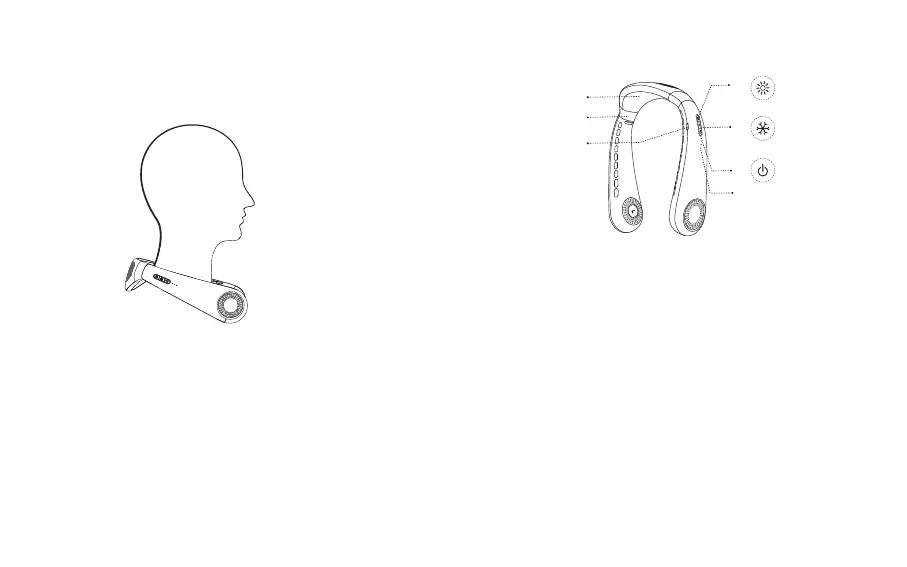
Wearing Guide
Wear it around your neck with the air outlet facing up
(charging port facing down).
Overview & Functions
③
①
②
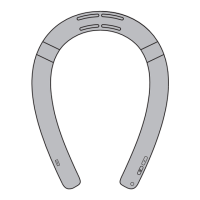
Cooling Plate①
②
Memory Air Cushion
Charging Port
③
When the battery is low, please charge the device promptly
Heating Button
Short press: cycle switch to heating mode level 1 - level 2 - level 3 -
turn off
④
Power indicator 1/2/3 (white light)
⑥
Cooling Button
Short press: cycle switch to cooling mode level 1 - level 2 - level 3 -
turn off
⑤
④
⑥
⑤
⑦
Power Button(also fan mode button)
Short press: turn on (default fan mode Level 1)/ switch to fan mode
level 2 - level 3 - turn off - level 1/ turn off
Long press 2s: turn off the device
⑦



 To Next Page