FAULT or — is on during active UPS internal errors (red). FAULT is
accompanied by an audible alarm. Press any of the front panel
buttons to cancel the alarm.
Status of the UPS, measurements, and alarms are all indicated on the LCD screen.
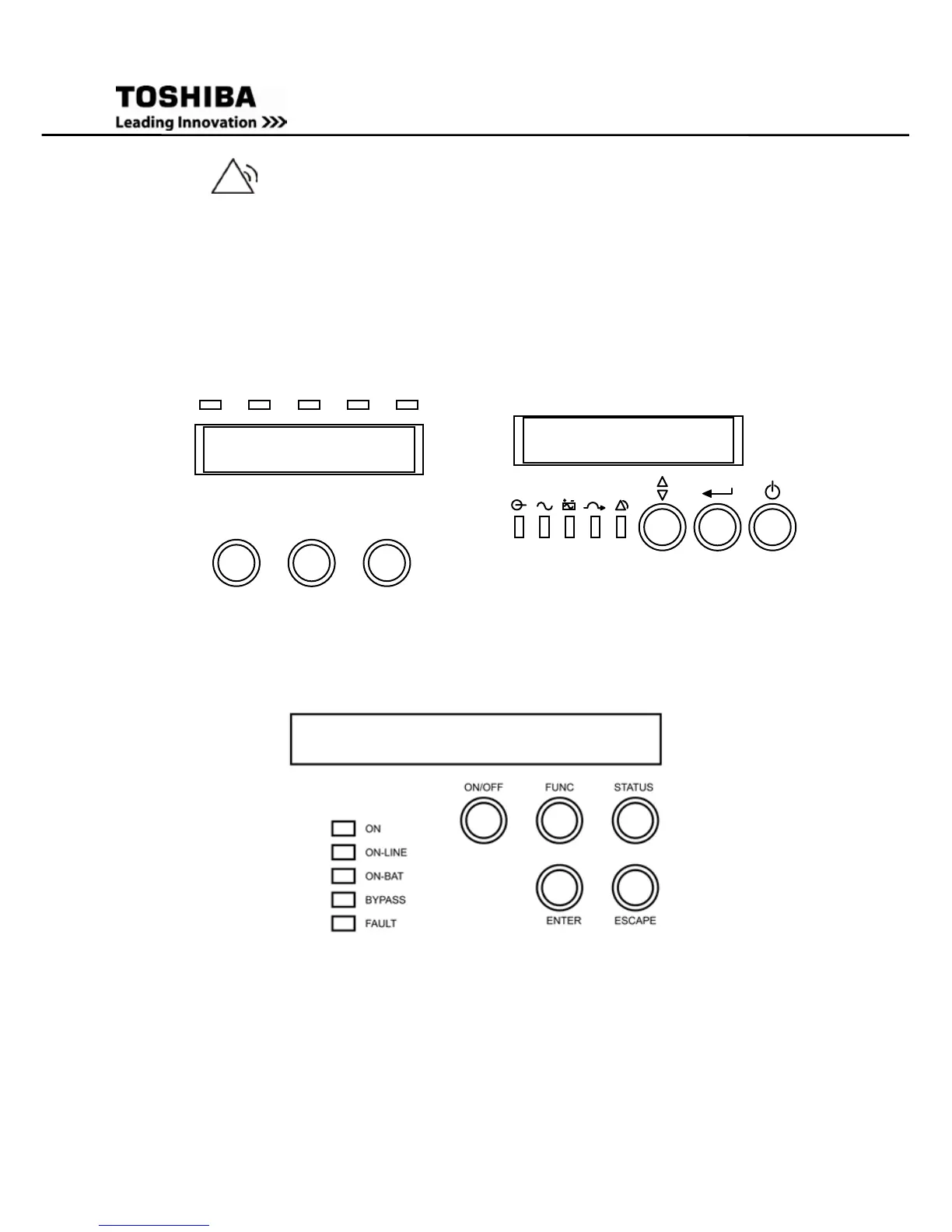
Figure 3 Control panels – 1000/1500/2000/3000VA
Figure 4 Control panel – 2400VA Tower/6000VA Rack Unit
7.4 Normal Display
The UPS status is shown in the normal display mode. The UPS Meters display and the
Setting display may be accessed by pressing the Return button on Tower Unit and
FUNC button on the Rack Unit.



 To Next Page
 Loading...






