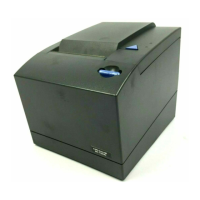
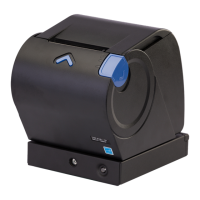
To install the paper-out sensor, complete the following steps:
1. Orient the paper-out sensor so the sensor is visible.
2. Position one of the pivot points as close as possible to a mounting hole.
3. Rotate the opposite end of the paper-out sensor into place. When the pivot
points are in line with the mounting holes, you will hear it click into place.
4. Rotate the paper-out sensor to the closed position.
Removing and replacing FRUs
Chapter 5. Removing and replacing FRUs 57



 To Next Page
 Loading...